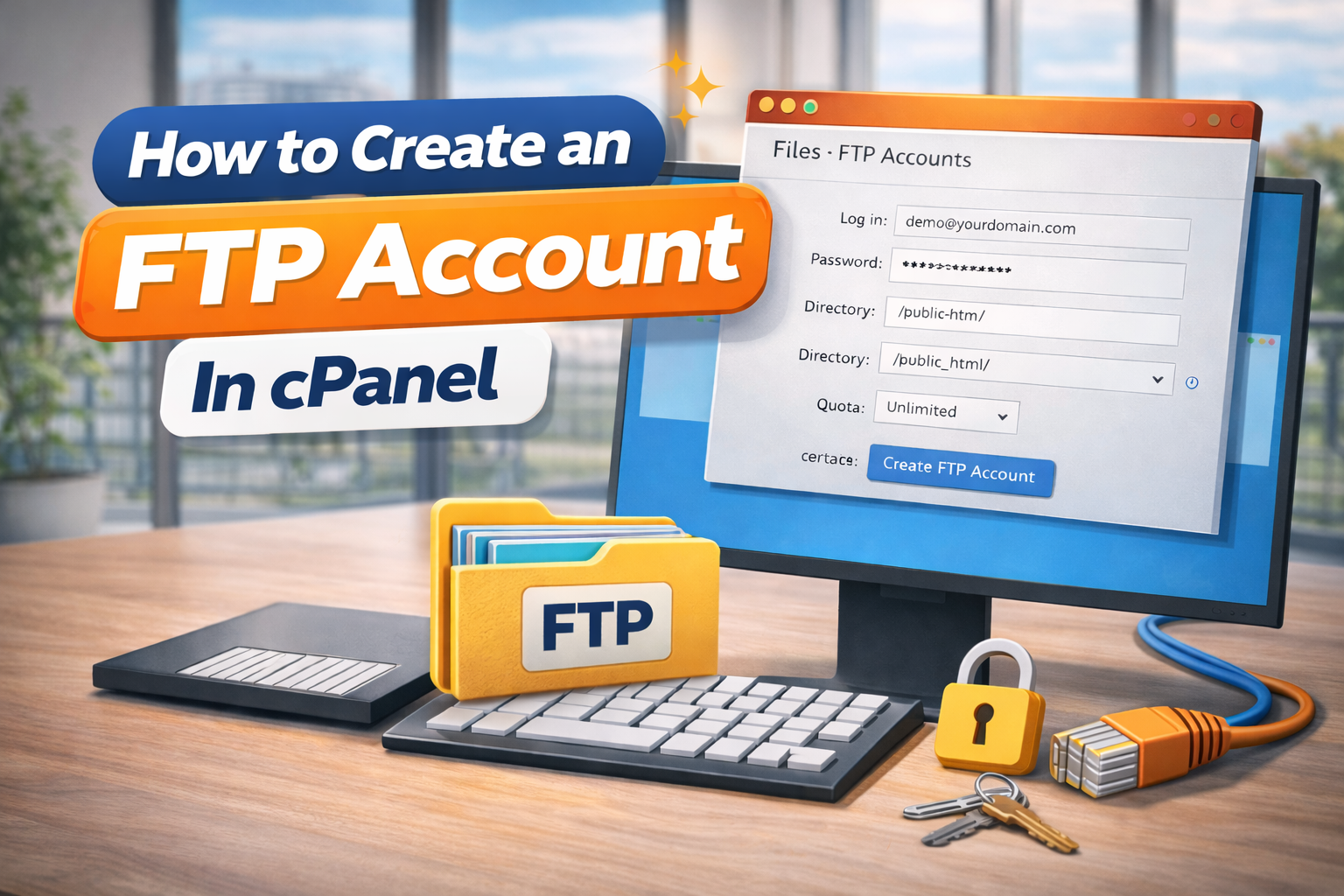
How to Create an FTP Account In cPanel
You might need to create FTP accounts in cPanel, so that you and/or your developers can upload and download content from your website.
In order to do this, start by logging into the cPanel account that you want to create the FTP account for. You can find our guide on this here!
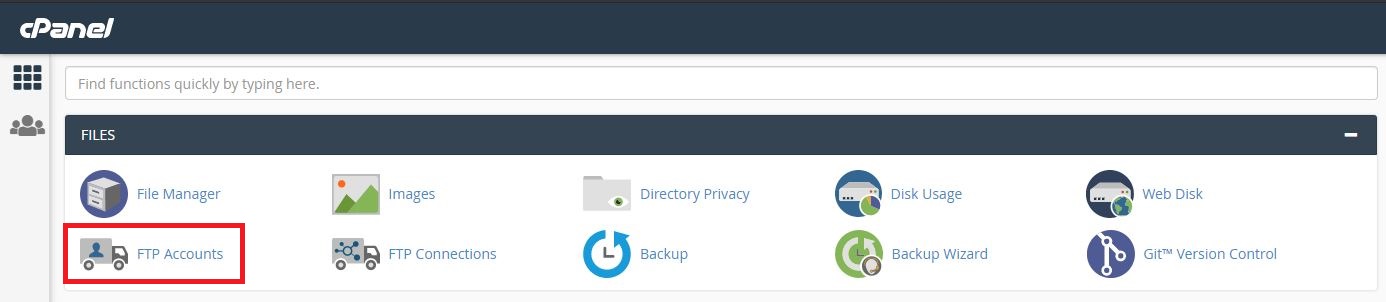
Now, navigate to:
Files >> FTP Accounts
You will be looking at this page:

The last box is for “Quota”. This determines how much bandwidth the FTP account can use. By default, this can be left as unlimited.
Now you can click “Create”.