
- On your cPanel dashboard go to Multiphp Manger
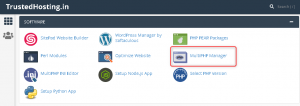
- Mark the domain / subdomain name

- Select the PHP Version & Click on Apply
- Done
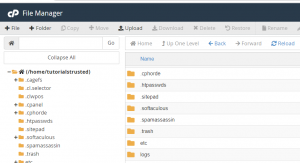
You can start uploading files through File Manager by clicking on the Upload icon. Navigate to the folder where you want to…
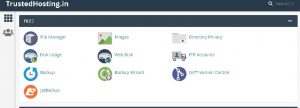
On Your Cpanel Dashboard Go To Filemanager > Public_html Right Click On .httaccess file & click on edit …
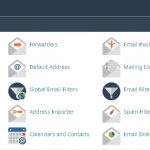
One of the many benefits of owning a domain name is that you can create custom, professional domain email…