
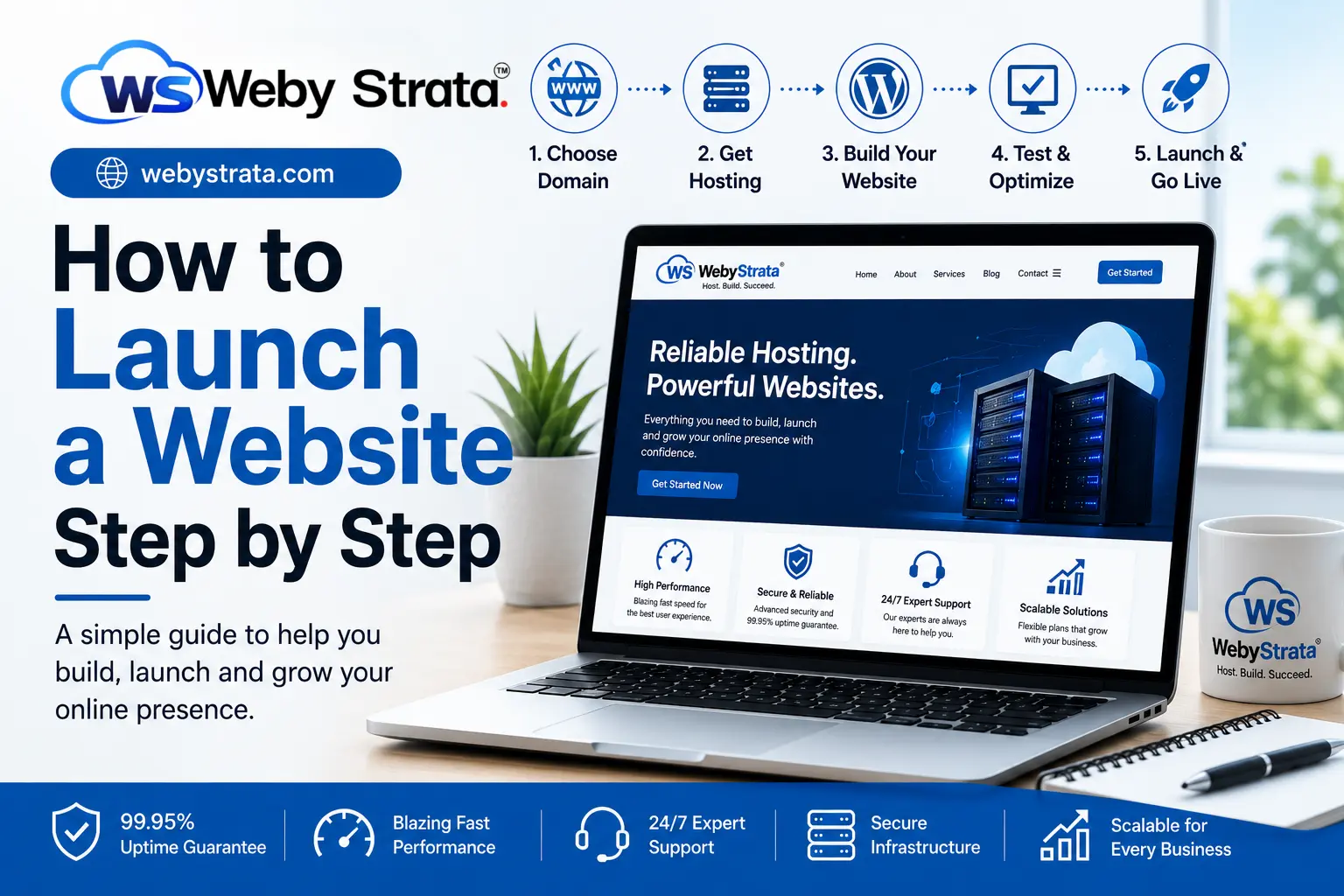
How to Launch a Website Step by Step Beginner’s Guide 2026
Launching a website is one of the most important steps in building a modern business or personal brand. Today, customers search online before making decisions, and your website often becomes the first impression people have of your business.
Yet many beginners delay launching a website because the process feels technical or overwhelming. Terms like hosting, domain names, SSL certificates, DNS, and WordPress can sound complicated when you are starting for the first time.
In reality, building and launching a website is much more manageable when you understand the process clearly. You do not need to be a developer or technical expert to create a professional online presence. What matters most is having the right structure, reliable infrastructure, and a clear understanding of the steps involved.
Understanding the Purpose of Your Website
Before purchasing anything, the first step is understanding why you need a website in the first place.
Every website serves a different purpose. Some websites are designed to generate leads for businesses, while others are built to sell products, showcase portfolios, publish content, or provide information.
A business website usually focuses on:
- Building credibility
- Generating inquiries
- Explaining services
An eCommerce website focuses more on:
- Product management
- Online payments
- Customer experience
A portfolio website highlights:
- Personal work
- Skills
- Achievements
Defining your purpose early helps you make better decisions regarding design, hosting, functionality, and scalability.
Without clarity, people often build websites that look attractive but fail to achieve business goals.
Choosing the Right Domain Name
Your domain name is the identity of your website. It’s the address people use to access your business online.
A professional domain creates trust immediately, while a poor domain name can make a business appear less credible.
A strong domain name should ideally be:
- Short and memorable
- Easy to pronounce
- Relevant to your brand
- Easy to type without confusion
For example:
- yourbusiness.com
- yourbrand.in
Extensions also matter. The .com extension is globally recognized and widely trusted, while .in works well for businesses targeting the Indian market specifically.
Many people make the mistake of choosing overly complicated names filled with numbers, symbols, or unnecessary words. Simplicity usually works best.
A domain is not just a technical requirement — it becomes part of your branding and long-term identity.
Why Web Hosting Matters More Than Most People Realize
Once your domain is selected, the next step is choosing hosting. This is where many beginners underestimate the importance of infrastructure.
Your hosting provider directly impacts:
- Website speed
- Uptime
- Security
- User experience
- Search engine performance
A slow or unstable website creates frustration for visitors and damages trust. Even a well-designed website can perform poorly if the hosting environment is weak.
This is why choosing hosting based only on price often becomes a mistake later.
Reliable hosting should provide:
- High performance
- Stable uptime
- Fast loading speed
- Security protection
- Room for future growth
As businesses grow, traffic increases, and website demands become heavier. Good hosting ensures your website can scale smoothly without affecting performance.
Connecting Domain and Hosting
After purchasing a domain and hosting plan, both need to be connected properly. This process is usually done using DNS settings or nameservers.
Once connected:
- Your domain points to your hosting server
- Visitors can access your website online
Although this sounds technical, most hosting providers simplify the process with setup guides or support assistance.
This stage acts as the bridge between your website name and the actual server infrastructure.
Installing a Website Platform
The next step is choosing the platform used to build and manage the website.
Today, WordPress is the most popular option because it combines flexibility, ease of use, and scalability. It powers millions of websites worldwide and works well for:
- Business websites
- Blogs
- Portfolios
- eCommerce stores
One major reason WordPress is beginner-friendly is the availability of one-click installation tools provided by hosting companies.
Within minutes, you can have:
- A website dashboard
- Basic website structure
- Access to themes and customization tools
This eliminates the need for complex manual coding during the initial stages.
Designing a Website That Feels Professional
Design plays a major role in how people perceive your business online.
A visitor usually forms an opinion about a website within seconds. Clean layouts, readability, and simplicity often perform better than flashy or overcrowded designs.
A professional website should focus on:
- Clear navigation
- Mobile responsiveness
- Fast loading
- Readable typography
- Organized content structure
Many beginners try to add too many effects, animations, or unnecessary sections. This often slows down the website and creates confusion for users.
Modern web design is less about decoration and more about clarity and usability.
Creating Essential Website Pages
Every professional website requires a core structure that helps users understand your business quickly.
Important pages typically include:
- Home Page
- About Us
- Services or Products
- Contact Page
- Privacy Policy
The Home Page should clearly explain:
- Who you are
- What you offer
- Why someone should trust your business
The About page helps humanize your brand and build credibility, while the Contact page ensures visitors can reach you easily.
Businesses often underestimate how much trust clear information creates.
Importance of Website Speed and User Experience
Website speed is no longer optional.
People expect websites to load quickly, especially on mobile devices. If pages take too long to load, visitors often leave before interacting with the content.
Slow websites affect:
- Customer experience
- SEO rankings
- Conversions
- Brand perception
Improving speed involves:
- Optimized hosting
- Compressed images
- Lightweight design
- Proper caching
A fast website feels more professional and improves user trust immediately.
Security Should Never Be Ignored
Website security is one of the most overlooked aspects for beginners.
Cyber threats are increasingly common, and even small websites can become targets. Basic security protection is essential from the beginning.
Important security measures include:
- SSL certificate
- Regular backups
- Malware protection
- Secure passwords
An SSL certificate is especially important because it:
- Protects user data
- Improves trust
- Helps with SEO rankings
Visitors are much more likely to trust websites marked as secure.
Testing Before Launch
Before launching your website publicly, testing everything carefully is extremely important.
A website may look perfect visually but still contain issues that affect user experience.
Testing should include:
- Mobile responsiveness
- Navigation functionality
- Contact forms
- Broken links
- Loading speed
Even small problems can create a poor first impression for visitors.
Launching only after proper testing creates a much smoother experience.
Launching the Website
Once everything is ready, your website can officially go live.
But publishing the website is only the beginning. Many people assume launching a website automatically brings traffic. In reality, visibility comes from consistent effort.
After launch, focus on:
- SEO optimization
- Content creation
- Social media sharing
- Regular updates
Websites grow over time through consistency and continuous improvement.
Common Mistakes Beginners Make
Many website owners face problems because of avoidable mistakes during the setup stage.
Some common issues include:
- Choosing poor-quality hosting
- Ignoring mobile optimization
- Using heavy designs
- Not enabling backups
- Launching without testing
These problems usually lead to slow performance and poor user experience later.
Building the foundation correctly from the beginning saves both time and cost.
How WebyStrata Helps Businesses Launch Websites
WebyStrata Cloud Technologies Private Limited helps businesses, startups, and professionals launch websites with reliable infrastructure and scalable solutions.
The focus is not only on hosting but on creating a complete online foundation through:
- High-performance hosting
- Website development
- Secure server environments
- eCommerce website solutions
- Performance optimization
- 24/7 technical support
This helps businesses focus on growth while the technical side remains stable and professionally managed.
Final Thoughts
Learning how to launch a website step by step is not about mastering technical skills overnight. It’s about understanding the process clearly and making the right decisions from the beginning.
A successful website combines:
- Reliable hosting
- Strong performance
- Professional design
- Good security
- Clear user experience
When these elements work together, a website becomes more than just an online page — it becomes a long-term business asset that supports growth, credibility, and visibility in the digital world.
Stay connected for more professional guides, updates, and industry insights.
Website: https://webystrata.com
Facebook: https://facebook.com/webystrata
Instagram: https://instagram.com/webystrata


