
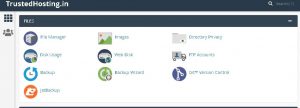
- On your cpanel dashboard go to Filemanager
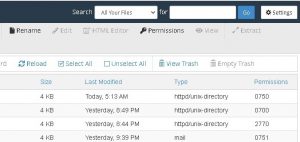
- Click Settings in the upper right corner
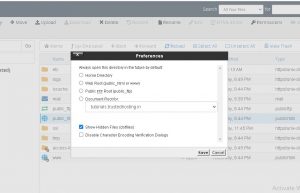
- Select your Document Root and check the box for Show hidden files and click Save

Introduction Hosting a website is one of the most important steps in building an online presence. Whether it is a…

How to Install a PHP Extension with EasyApache4 Before you begin to install a PHP Extension on your WHM/cPanel server,…

Your website slows down, traffic increases, and performance becomes inconsistent. That’s usually the stage where businesses start looking at dedicated…