
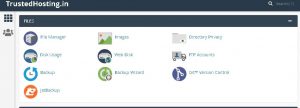
- On your cpanel dashboard go to Filemanager
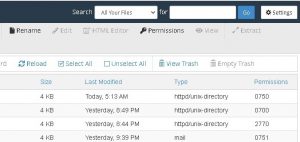
- Click Settings in the upper right corner
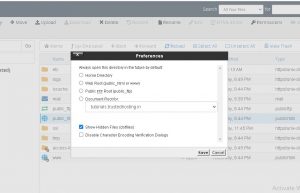
- Select your Document Root and check the box for Show hidden files and click Save
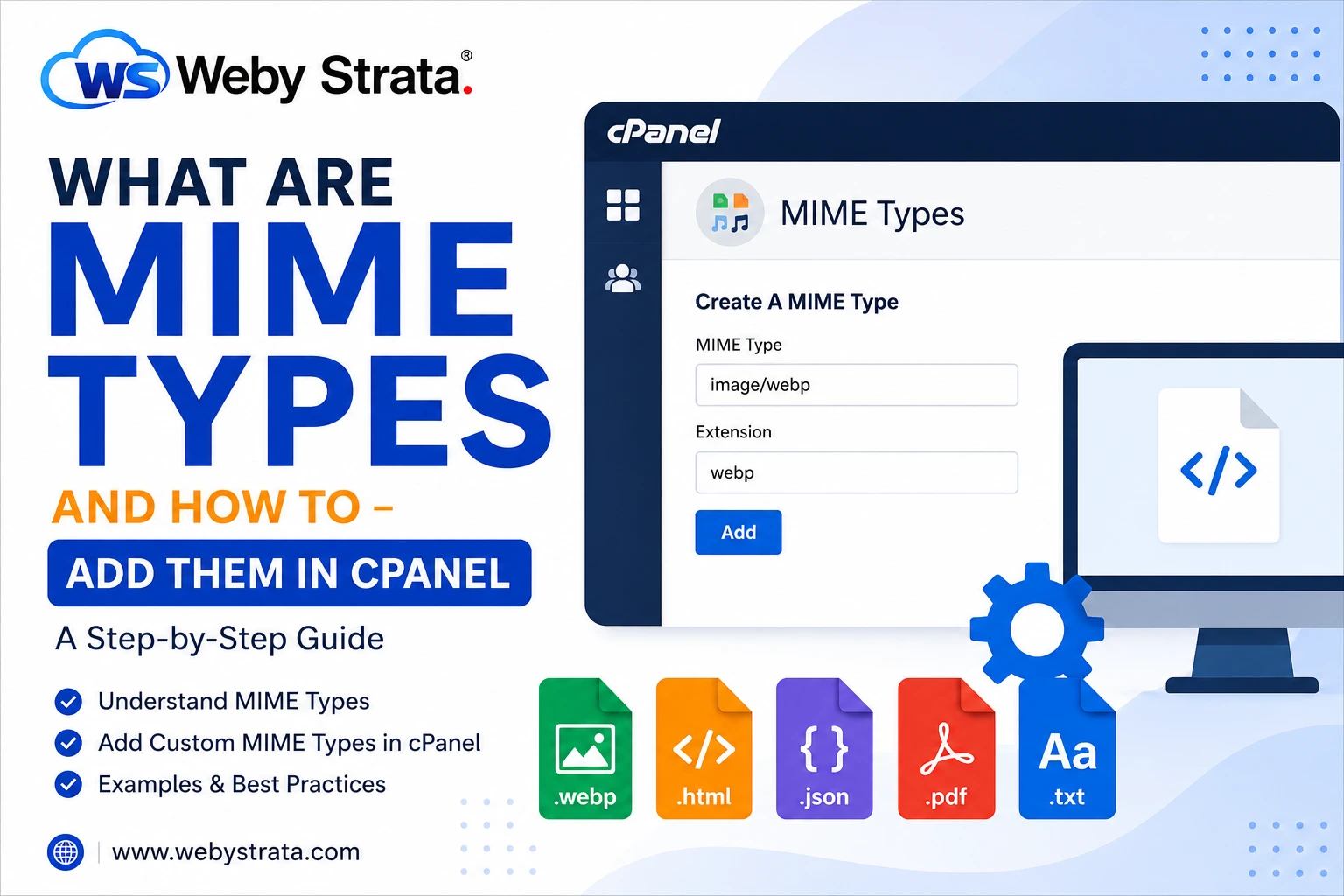
MIME stands for Multi-purpose Internet Mail Extensions. MIME Types are a standard way of classifying file types on the Internet.…

Startups move fast. Your infrastructure should keep up. Whether you’re launching an MVP, a SaaS product, or a service-based platform,…
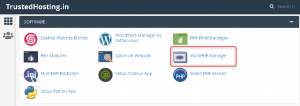
On your cPanel dashboard go to Multiphp Manger Mark the domain / subdomain name Select the PHP Version &…