
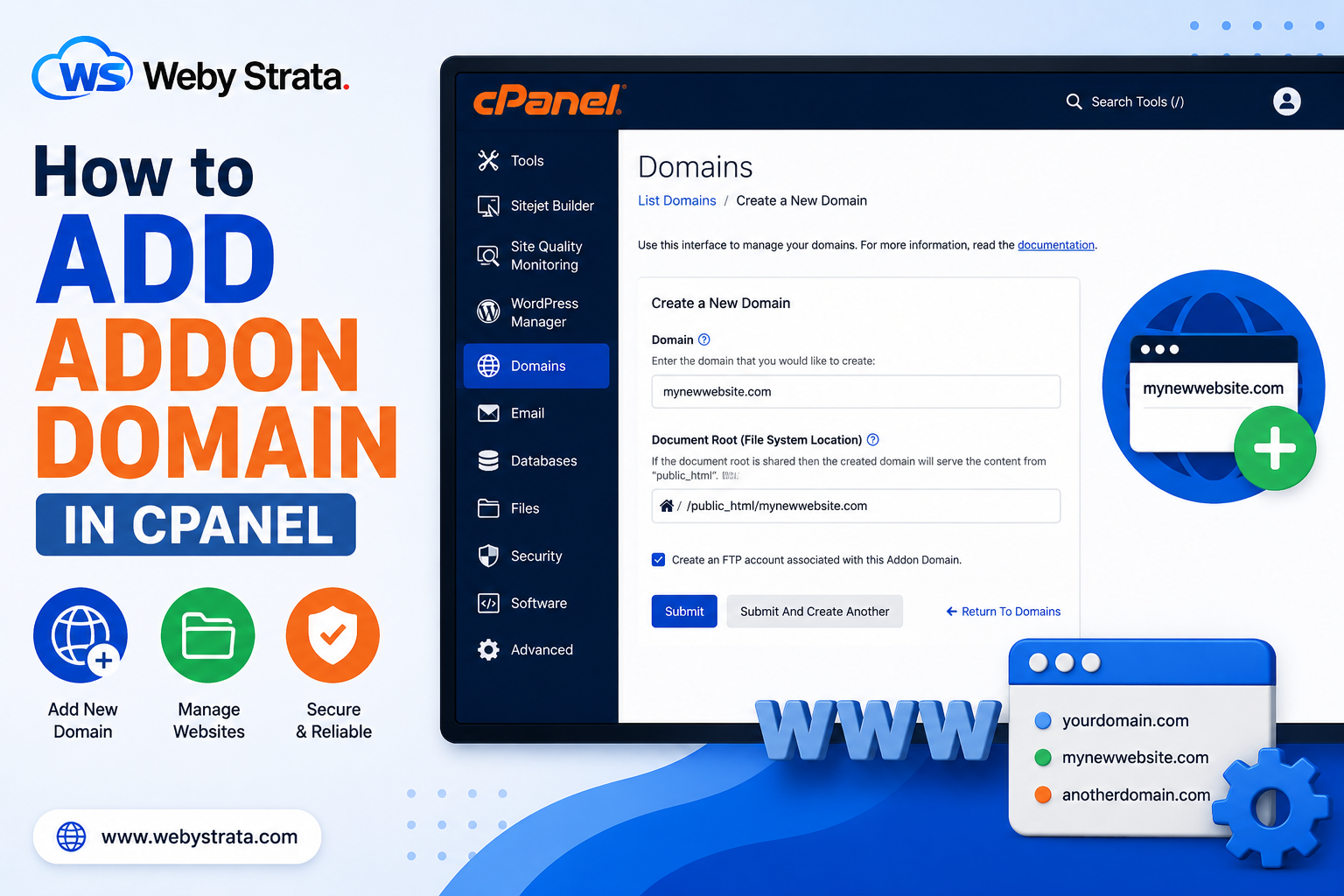
An addon domain allows you to host multiple websites under a single cPanel hosting account. Each addon domain works as a separate website with its own files and content.
For example:
- Main Domain: example.com
- Addon Domain: mywebsite.com
Both websites can be managed from the same cPanel account.
we will show you how to add an addon domain in cPanel step by step.
Step 1: Login to cPanel
Login to your cPanel account using your username and password.
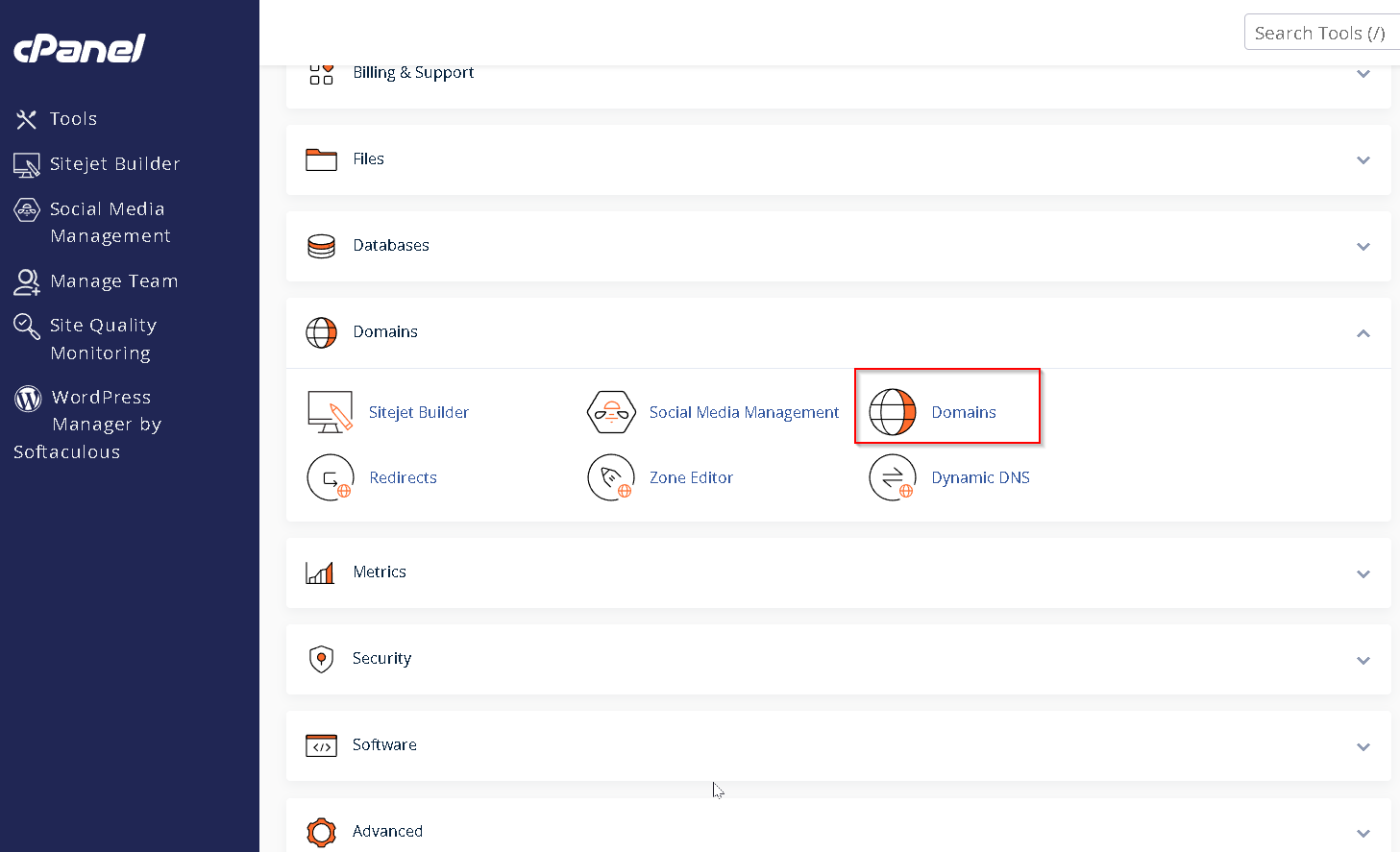
Step 2: Open the Domains Section
After logging into cPanel:
- Search for Domains
- Click on Domains
Some cPanel versions may also show an Addon Domains option.
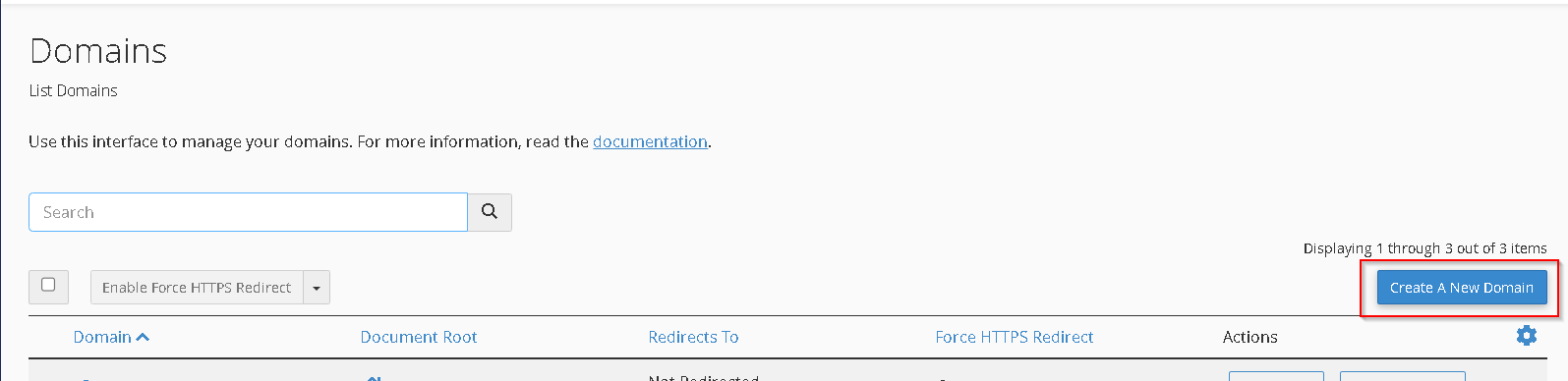
Step 3: Click on “Create A New Domain”
Inside the Domains section, click on: Create A New Domain
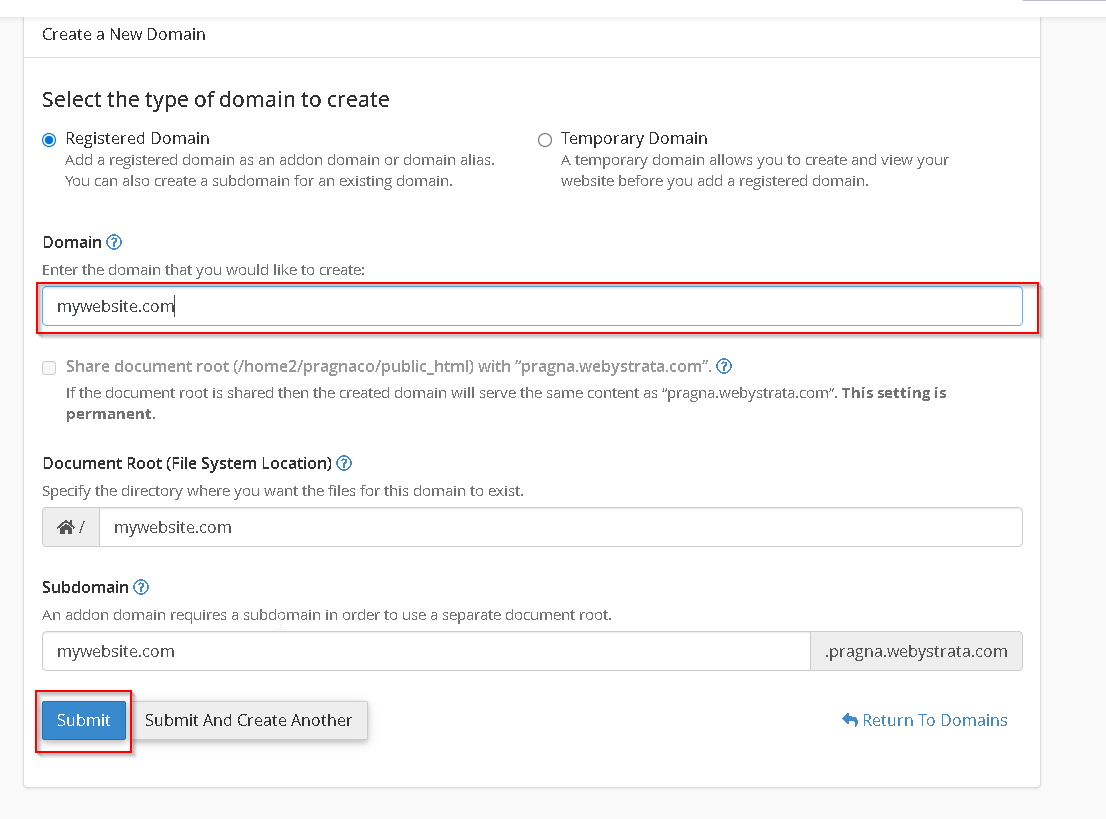
Step 4: Enter the Addon Domain Name
Enter the domain name you want to add.
Example:
- mywebsite.com
- Untick Share document root if you want a separate website folder
Specify the directory where you want all the files of your domain to exist.
After entering the domain details, click on: Submit
The addon domain will now be added successfully to your hosting account.
This is how you can add an addon domain in cPanel.