Startup
Basic Accounting Setup for a Newly Registered Business
Set up basic accounting for a newly registered business with categories, banking controls, invoices, expense records, reconciliations, cash-flow reports, and compliance tracking.
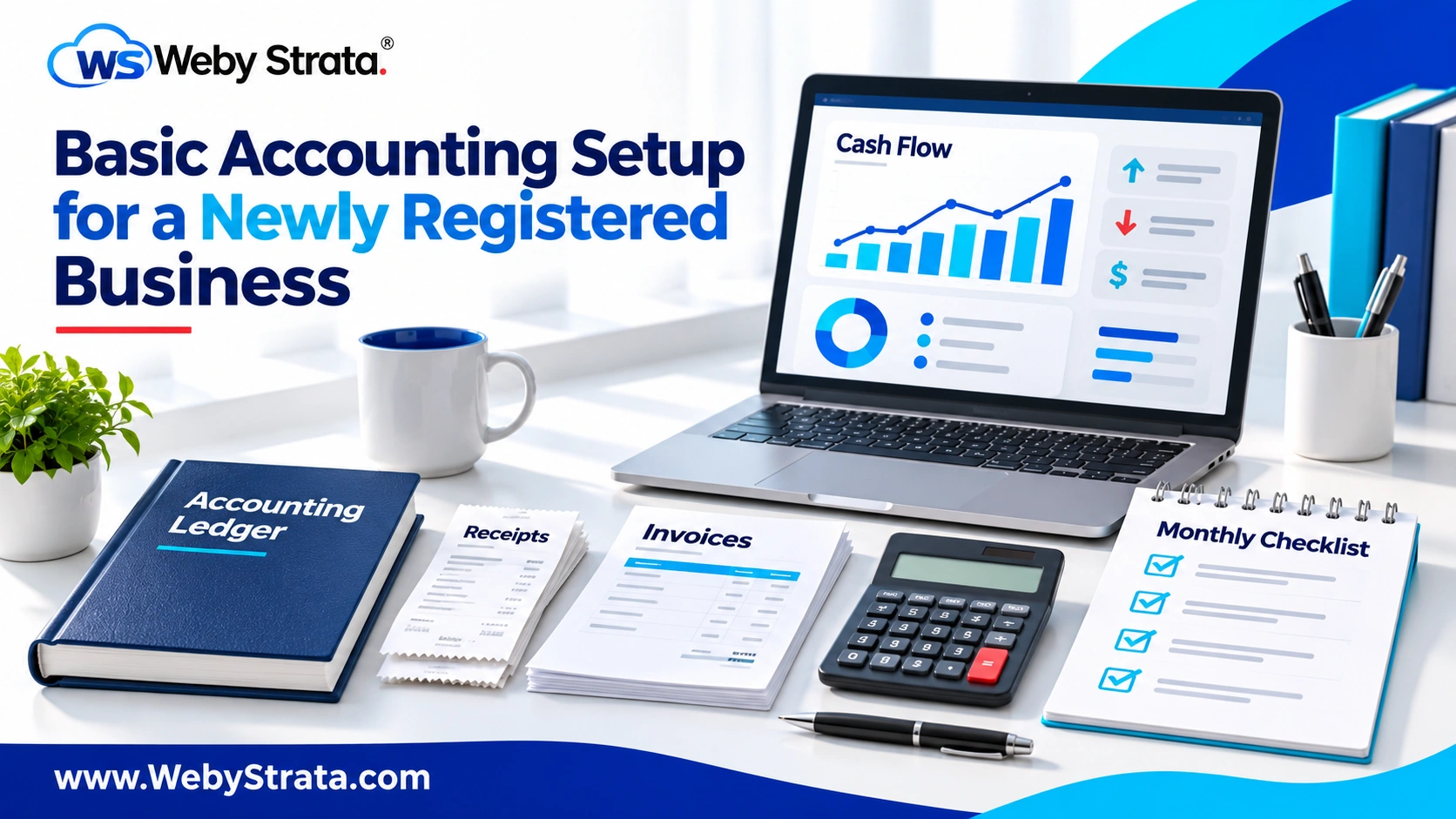
A newly registered business should establish accounting controls before it becomes busy. A simple system for invoices, expenses, bank transactions, taxes, assets, and owner funding gives founders a reliable view of performance and cash flow.
Who this guide is for
This guide is for new companies, LLPs, proprietors, agencies, consultants, retailers, online businesses, and founders setting up their first accounting process.
Why this matters
Without a basic accounting setup, owners may confuse revenue with cash, miss unpaid invoices, lose expense evidence, mix personal and business payments, and discover tax or compliance problems too late. Good accounting starts with categories and habits rather than expensive software alone.
At-a-glance planning table
| Accounting area | Minimum setup | Review frequency |
|---|---|---|
| Sales | Invoice register and receivables list | Weekly or monthly |
| Expenses | Categories and supporting bills | Weekly |
| Banking | Separate account and reconciliation | Monthly |
| Taxes | Calendar and provision records | Monthly |
| Payroll | Employee records and approvals | Each payroll cycle |
| Management | Cash-flow and budget report | Monthly |
Choose the accounting basis and owner
Discuss the appropriate accounting method and records with a qualified professional. Assign one person to maintain entries, collect documents, reconcile accounts, and prepare reports. Responsibility should not remain an informal founder task that is forgotten during growth.
Create a chart of accounts
Organize sales, direct costs, salaries, rent, software, travel, professional fees, taxes, bank charges, assets, loans, capital, drawings, and other relevant categories. Categories should be detailed enough for decisions without becoming so complex that the team uses them inconsistently.
Separate business transactions
Use the business bank account and approved payment methods. Record founder funding, reimbursements, loans, drawings, and personal expenses separately. Do not treat every deposit as revenue or every withdrawal as a business expense.
Set document controls
For each sale or expense, preserve the invoice, receipt, contract, approval, delivery evidence, and payment record. Use a secure folder structure and clear filenames. Digital records should be backed up and access should be limited to authorized staff.
Reconcile and review
Match invoices with bank receipts, expenses with bank payments, and tax records with accounting entries. Review overdue invoices, unpaid bills, unexplained transactions, and unusual movements each month.
Build reports and a calendar
Track cash balance, revenue, gross margin, expenses, receivables, payables, taxes, payroll, loan payments, and upcoming filings. A monthly management report helps founders make decisions before cash pressure becomes urgent.
Step-by-step implementation workflow
- Map the facts: Record the legal structure, owners, activity, location, employees, customers, and transaction types.
- Collect evidence: Prepare identity, address, registration, banking, contract, invoice, premises, and approval records relevant to the business.
- Assign responsibility: Name the person who prepares, reviews, files, stores, and renews each record.
- Build the operating control: Use a template, numbering system, approval step, reconciliation, or register so the process is repeatable.
- Review before commitment: Check the document, tax treatment, customer promise, payment, or licence before accepting a new risk.
- Review monthly: Check new transactions, changes, deadlines, notices, renewals, and missing evidence.
Set a clear document standard
Every important business record should show the correct legal or trading identity, date, responsible person, transaction or decision reference, and approval status. Use a consistent filename and folder location. A document that cannot be traced to an owner, customer, payment, licence, or decision is difficult to rely on during an audit, dispute, tax review, bank request, or investor discussion.
Separate preparation from review
Where possible, the person preparing a filing, invoice, payment, contract, or register should not be the only person reviewing it. A second review can catch wrong names, old addresses, duplicate invoice numbers, incorrect tax treatment, missing signatures, unsupported expenses, or expired approvals. Even a small business can use a simple checklist and second-person approval for high-risk items.
Connect the process to cash flow
Legal and administrative work affects money. A tax registration affects pricing, an invoice affects collection, a licence affects the launch date, a bank control affects payment risk, and an accounting record affects decisions. Add the financial effect to the planning sheet. Record expected fees, professional costs, deposits, taxes, refunds, payment timing, and renewal costs before committing the business.
Protect sensitive business information
Applications, tax records, bank statements, invoices, employee files, contracts, customer data, and intellectual-property documents should not be stored in unrestricted personal folders or shared casually in messaging apps. Use access controls, backups, secure transfer, individual logins, and a process for removing access when a staff member or contractor leaves.
Know when professional review is useful
Professional advice is especially valuable when the business has foreign participants, multiple locations, regulated products, employees, cross-border transactions, intellectual property, investment, borrowing, complex ownership, or a change in legal structure. A professional can help interpret the current requirement, but the business should still retain its own decision record and responsibility calendar.
Review the setup after every major change
Repeat the review when the business adds a product, enters a new state, hires employees, opens a location, accepts an international customer, changes its bank, changes ownership, signs a large contract, or stops an activity. Small changes can affect taxes, licences, contracts, payroll, data handling, invoices, and records. A monthly review keeps the setup aligned with the real business.
Keep evidence of decisions
Save the reason for each important decision, not only the final certificate or form. Record who reviewed the requirement, which business facts were considered, which documents were supplied, the effective date, and the next review date. This history helps a new employee or professional understand the setup without repeating the entire investigation. It also gives the founders a clear record when a customer, bank, regulator, auditor, investor, or partner asks why a particular process was adopted.
Create a small-business control calendar
Use one calendar for filing dates, payment dates, invoice follow-ups, bank reconciliation, payroll, licence renewals, contract reviews, insurance, document backups, and management reports. Assign a primary owner and a backup owner for each task. A calendar should show the action, due date, evidence required, completion status, and escalation step. This simple system is more useful than relying on memory or scattered reminders.
Practical example
A newly registered agency opens a business bank account, creates sales and expense categories, uses numbered invoices, stores receipts by month, reconciles the account every month, and reviews unpaid invoices before approving new spending.
Practical checklist
- Assign an accounting owner
- Open a separate business account
- Create a chart of accounts
- Set invoice and expense controls
- Store supporting documents
- Reconcile the bank monthly
- Track taxes and payroll
- Review cash flow and overdue invoices
Common mistakes to avoid
- Mixing personal and business expenses
- Treating cash received as profit
- Ignoring unpaid invoices
- Losing expense evidence
- Using inconsistent categories
- Failing to reconcile the bank
- Waiting until year-end to review accounts
Frequently asked questions
Does a small business need accounting software?
Software can improve consistency, but the business still needs proper categories, documents, reconciliations, and review responsibility.
When should accounting begin?
Accounting should begin with the first business transaction, not after the first tax deadline.
Who should maintain the books?
An informed internal owner or qualified accounting professional should be responsible for the records.
What should founders review monthly?
Review cash, sales, expenses, receivables, payables, taxes, payroll, and unusual transactions.
Conclusion
The correct process depends on the business structure, location, activity, ownership, employees, customers, and current rules. Use this guide as a practical planning resource, maintain records carefully, and obtain professional advice before filing an important legal, tax, trade, or compliance document.
Related Articles