Web Hosting
How Many Websites Can Reseller Hosting Handle? A Resource Planning Guide
The number of websites a reseller hosting plan can handle is not determined by the advertised cPanel account limit alone. A plan may allow a certain number of accounts, but storage, CPU, memory, entry…
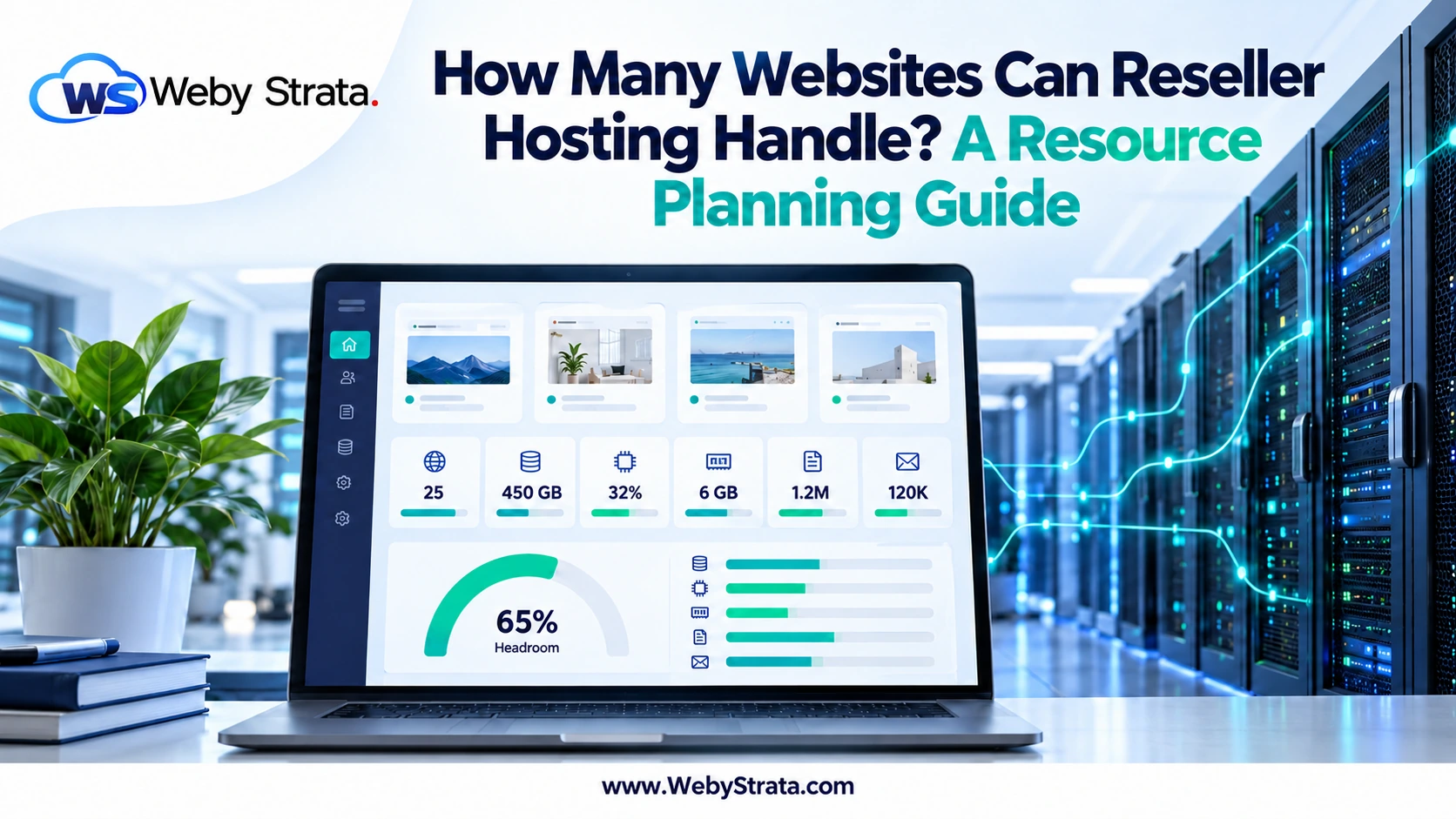
The number of websites a reseller hosting plan can handle is not determined by the advertised cPanel account limit alone. A plan may allow a certain number of accounts, but storage, CPU, memory, entry processes, inodes, email usage, traffic patterns, and support workload can become the real constraint.
A better question is: how many websites can you host while keeping enough resource headroom to handle normal growth and unexpected traffic? This guide explains how to estimate capacity before your reseller account becomes crowded.
Start with the plan’s account limit
The account limit is the first ceiling. If your plan allows 25, 100, or 150 cPanel accounts, that is the maximum number of separate accounts you can create under the plan, not a promise that every account can use the full server capacity.
Leave room for your own business website, staging accounts, migration testing, and temporary accounts. A reseller who sells every available account slot may have no flexibility when a customer needs an urgent move or a new package.
Measure capacity across several resources
| Resource | Why it matters | What to monitor |
|---|---|---|
| Storage | Website files, databases, email, backups, and logs consume space | Used space, growth rate, and largest accounts |
| CPU | Dynamic sites, cron jobs, and traffic spikes need processing time | Usage peaks, sustained load, and account-level limits |
| Memory | PHP workers, plugins, applications, and databases need memory | Memory faults, slow requests, and process failures |
| Entry processes | Concurrent requests can cause timeouts when limits are reached | Peak concurrency and repeated 508 or timeout errors |
| Inodes | Files, folders, emails, caches, and backups each count | Total count and fast-growing directories |
| Mailboxes and delivery activity can consume storage and server capacity | Mailbox size, message volume, and abuse alerts |
Classify your websites by workload
Ten brochure sites are not equivalent to ten stores. Create simple workload categories before estimating capacity.
- Light: small brochure sites, landing pages, and low-traffic portfolios.
- Standard: active business sites with forms, blogs, moderate traffic, and regular updates.
- Heavy: stores, membership sites, learning platforms, booking systems, and sites with demanding integrations.
Use your own traffic and support history when possible. If you are starting from zero, estimate conservatively and reserve capacity for the heaviest expected account rather than calculating only the average.
Use a capacity calculation with headroom
A simple planning formula is:
Safe customer capacity = the lowest resource capacity across storage, accounts, CPU, memory, inodes, and support time
For example, your plan may have room for 50 light websites by storage but only 30 by support time. In that case, your safe operating capacity is closer to 30 unless you change the support model.
Keep a headroom target instead of planning to 100% of the advertised limit. The correct percentage depends on the provider and workload, but leaving room for bursts, backups, migrations, and growth is safer than selling every unit of capacity.
Do not ignore support capacity
Every new website adds more than files and database rows. It can add password requests, DNS changes, SSL questions, email troubleshooting, migration work, updates, billing tickets, and security incidents.
If you provide first-line support to downstream customers, estimate the monthly time per account. If you sell hosting only, define the support boundary clearly and charge separately for maintenance, development, and emergency response.
Use packages to control resource allocation
Packages make capacity easier to manage. Create different packages for light, standard, and heavier websites, then define storage, email, databases, domains, features, and resource limits for each one.
Do not give every account the largest possible limits. A package should match the customer’s expected workload and provide a clear upgrade path. Review package usage periodically and move customers to a more suitable plan when their requirements change.
Watch for early warning signs
- Multiple accounts report slow pages at the same time.
- CPU or memory usage remains high outside normal traffic peaks.
- Entry-process errors or timeouts become frequent.
- Storage or inode usage grows faster than expected.
- Backups begin failing because of size or retention limits.
- Email queues, spam complaints, or delivery failures increase.
- Support response times rise as the account count grows.
Investigate the affected account instead of assuming the entire plan needs an upgrade. One compromised site, runaway cron job, large backup archive, or poorly configured plugin can create symptoms for several customers.
Know when to upgrade
Consider a larger reseller plan, VPS, or another environment when:
- You are close to the account limit and still have qualified demand.
- Resource usage reaches limits during ordinary traffic.
- You cannot maintain a reasonable headroom buffer.
- Several customers need workloads that do not fit shared limits.
- Your support workload is larger than the package revenue can sustain.
- You need server-level control that reseller access does not provide.
An upgrade should solve a measured constraint. Moving to a larger plan without identifying the bottleneck can increase cost without improving the customer experience.
Capacity planning checklist
- Record the plan’s account, storage, CPU, memory, inode, email, and backup limits.
- Classify each website by workload.
- Reserve capacity for your own site, staging, migrations, and bursts.
- Set package limits that match the workload categories.
- Monitor resource usage and support time every month.
- Investigate individual noisy accounts before upgrading everything.
- Set an internal upgrade threshold before the plan is full.
Final takeaway
Reseller hosting can handle many websites when accounts are separated, packages are planned, and resource usage is monitored. The practical capacity is the lowest limit across accounts, storage, compute, email, backups, and support time—not the largest number shown in a plan table.
WebyStrata reseller hosting can provide the platform for your client portfolio. Explore WebyStrata hosting options and plan your package limits around the websites you actually expect to manage.
Frequently asked questions
Is the cPanel account limit the maximum number of websites?
It is the maximum number of separate cPanel accounts under the plan, but practical capacity can be lower because of storage, CPU, memory, inodes, email, backups, and support workload.
Can one busy website affect other reseller accounts?
It can consume shared reseller resources or reach its account limits. Separate accounts and resource controls help identify and contain the problem, but you still need monitoring and an escalation process.
When should I move from reseller hosting to a VPS?
Consider a VPS when measured resource usage, account volume, control requirements, or workload complexity consistently exceed what the reseller plan can support with safe headroom.
Related Articles