Latest Updates
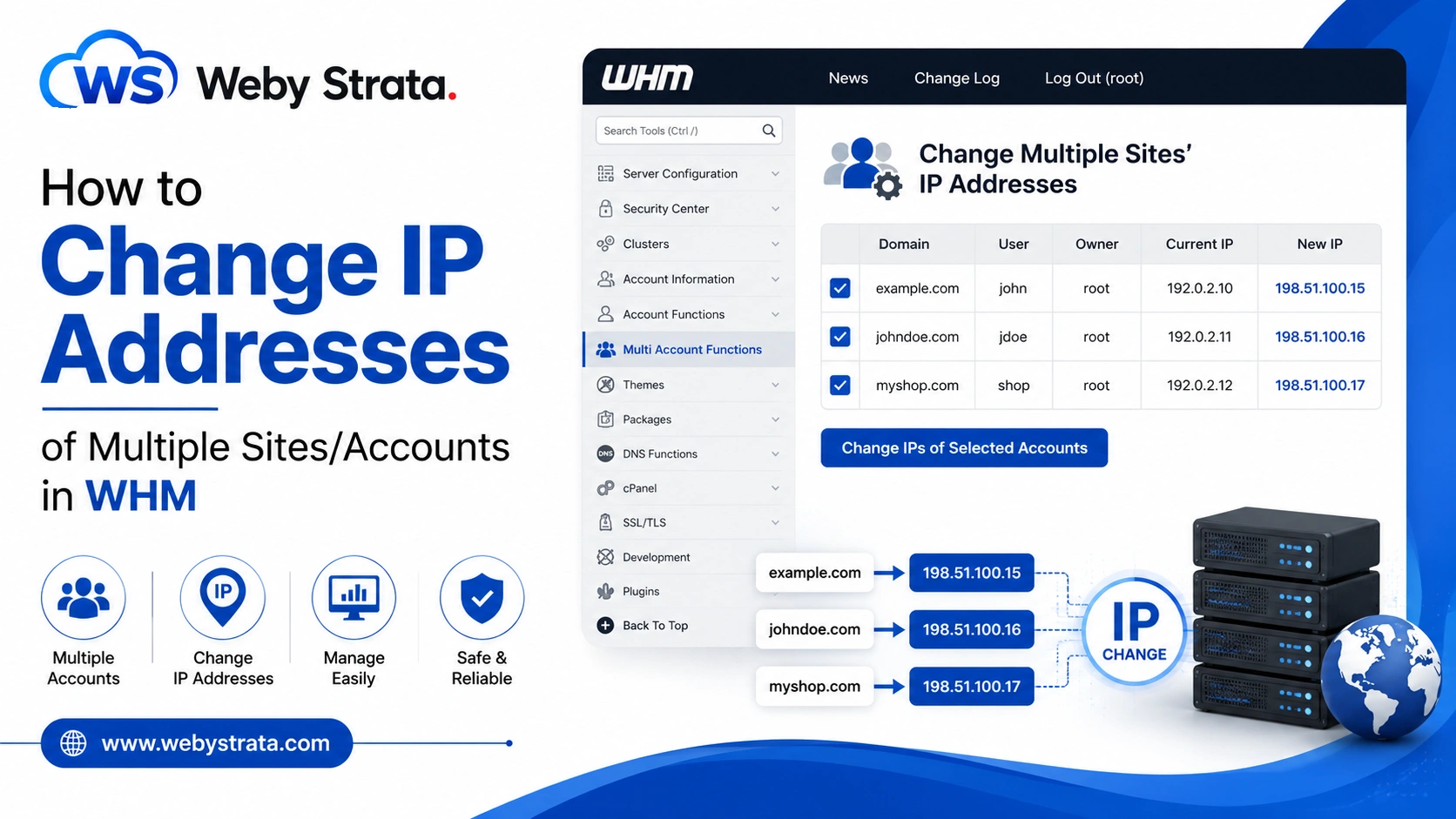
How to Change IP Addresses of Multiple Sites/Accounts in WHM?
How to Change IP Addresses of Multiple Sites/Accounts in WHM? Managing multiple hosting accounts on a WHM server can become time-consuming when you need to update IP addresses individually. Fortunately, WHM provides a built-in…
How to Change IP Addresses of Multiple Sites/Accounts in WHM?
Managing multiple hosting accounts on a WHM server can become time-consuming when you need to update IP addresses individually. Fortunately, WHM provides a built-in feature that allows administrators to change IP addresses of multiple sites/accounts in WHM simultaneously. This is especially useful when migrating to a new server IP, replacing a shared IP address, or reorganizing hosting resources.
To Change IP Addresses of Multiple Sites/Accounts
Step 1: Log in to WHM
Access your WHM account using root credentials.
After logging in, you will be taken to the WHM administration dashboard.
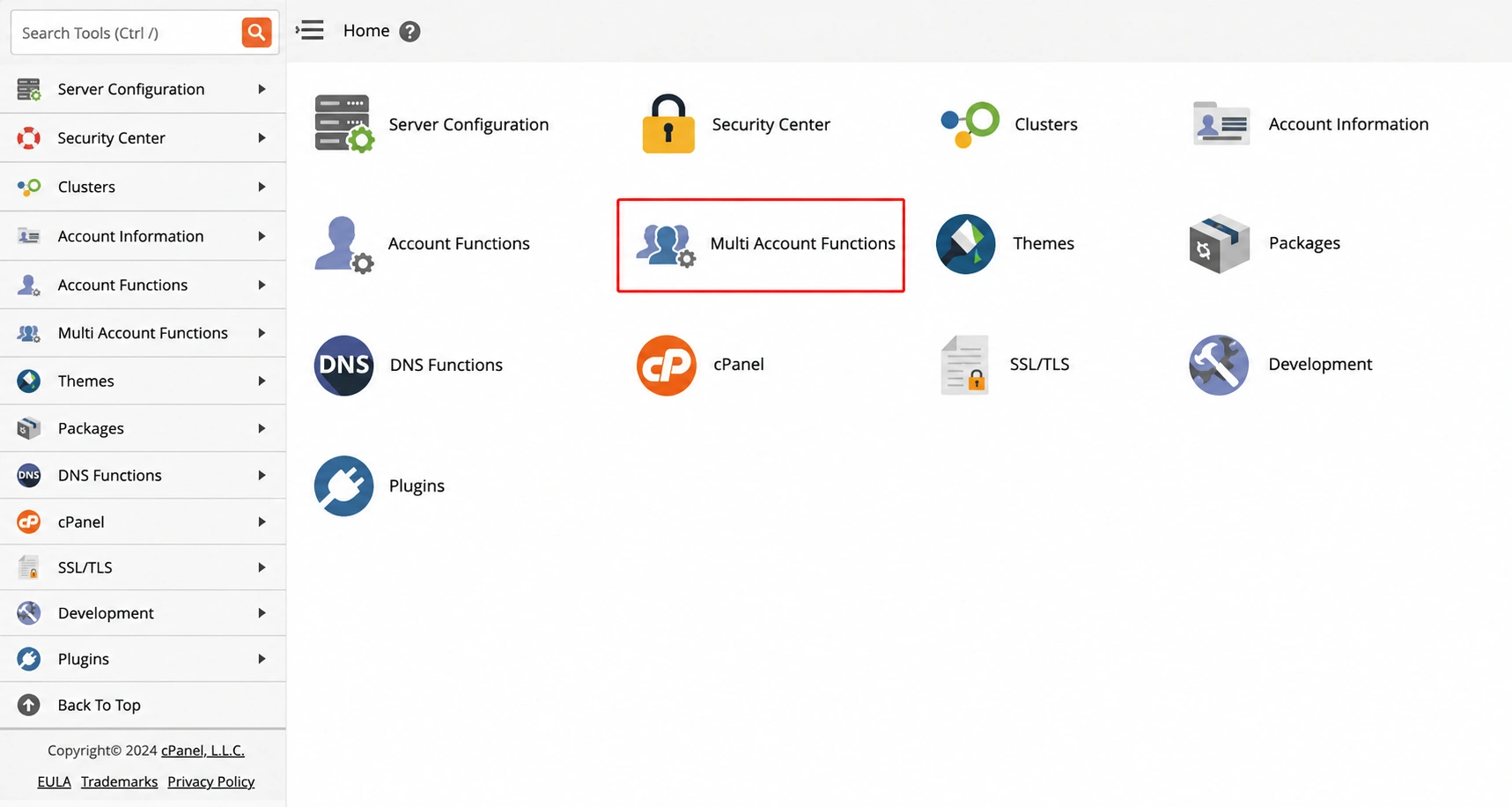
Step 2: Open Multi Account Functions
From the left-side navigation menu, search for and click Multi Account Functions.
This section contains tools that allow administrators to perform actions on multiple hosting accounts at the same time.
Step 3: Select Change Multiple Sites’ IP Addresses
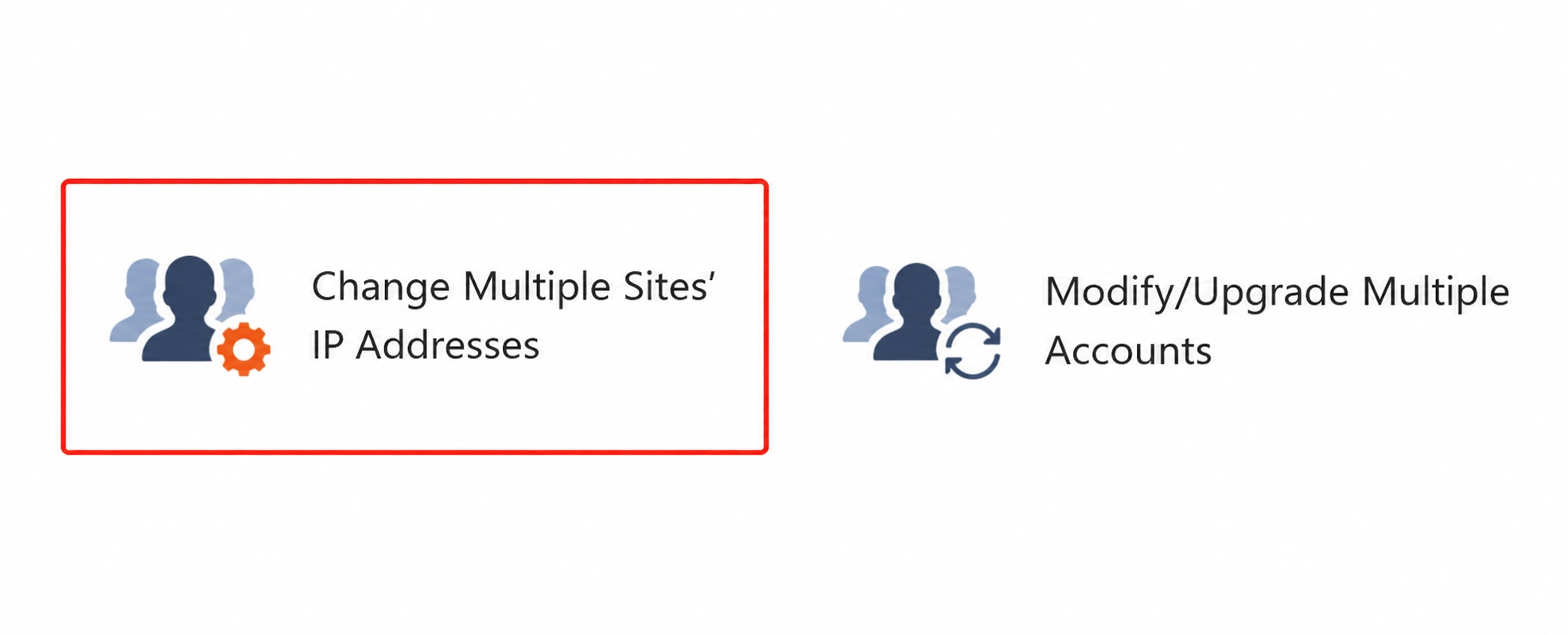
Under Multi Account Functions, click Change Multiple Sites’ IP Addresses.
The interface will display a list of hosting accounts and their current IP assignments.
Step 4: Select the Accounts
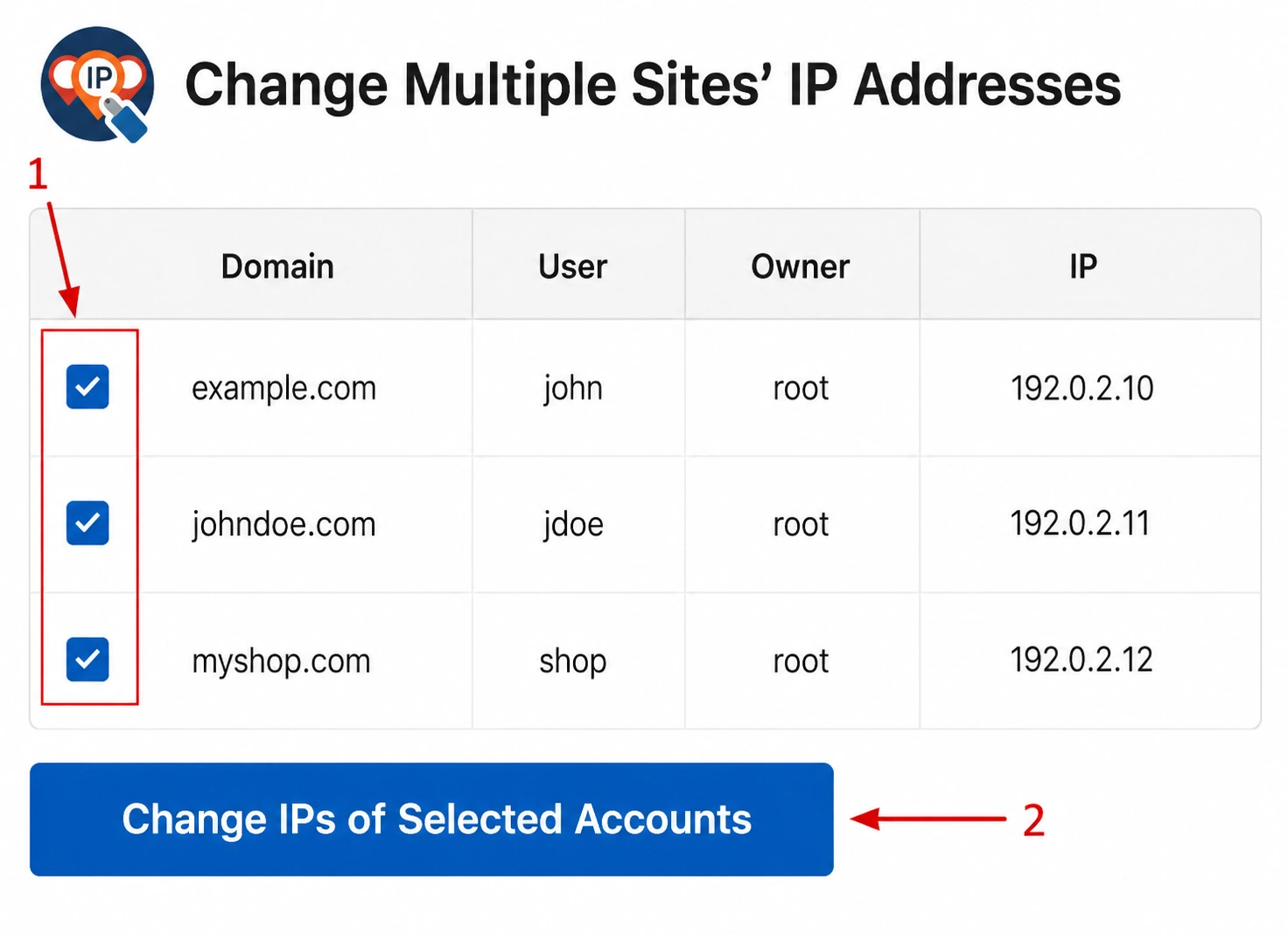
Locate the domains or hosting accounts you want to update.
Check the box beside each domain whose IP address you want to change.
Once you have selected the required accounts, click Change IPs of Selected Accounts.
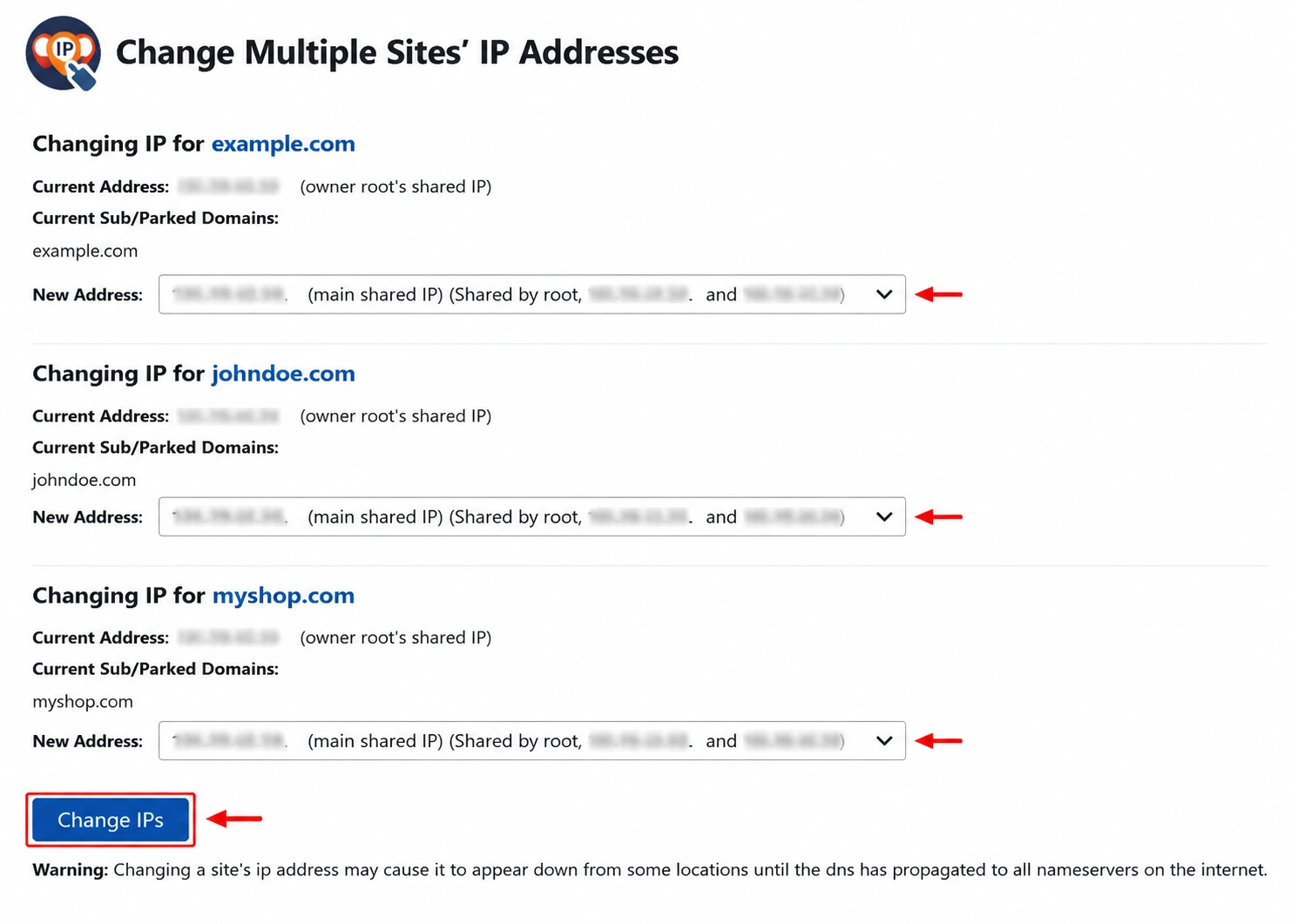
Step 5: Choose New IP Addresses
WHM will display the selected accounts along with their current IP addresses.
For each account:
- Locate the New Address dropdown menu.
- Select the desired IP address from the available IPs on the server.
Step 6: Apply the Changes
After selecting the new IP addresses for all accounts, click Change IPs at the bottom of the page.
WHM will begin updating the selected hosting accounts with the new IP assignments.
Important Note
Changing IP addresses for multiple accounts may take some time because WHM performs several background tasks, including:
- Updating DNS zone records
- Reconfiguring Apache virtual hosts
- Adjusting account settings
- Rebuilding server configurations
- DNS propagation across nameservers
During this process, some websites may temporarily experience DNS-related delays until propagation is completed.
Need reliable WHM hosting with full root access and advanced server management tools? WebyStrata provides powerful VPS and dedicated server solutions for businesses, developers, and hosting providers.
Related Articles