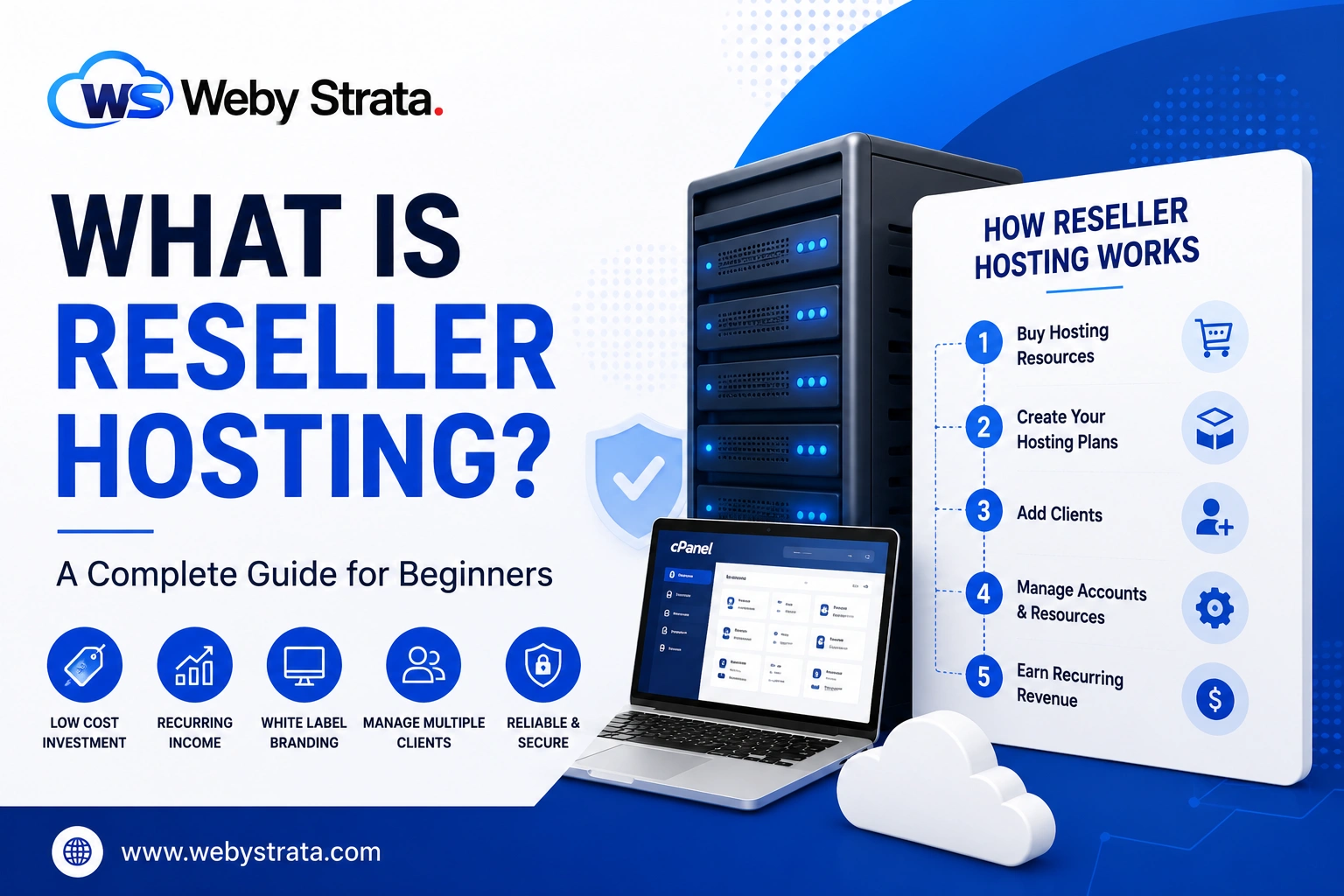
Reseller Hosting
How to Get Started with WebyStrata Reseller Hosting
How to Get Started with WebyStrata Reseller Hosting Starting your own web hosting business no longer requires purchasing expensive servers, hiring technical staff, or managing complex infrastructure. With WebyStrata Reseller Hosting, you can launch…
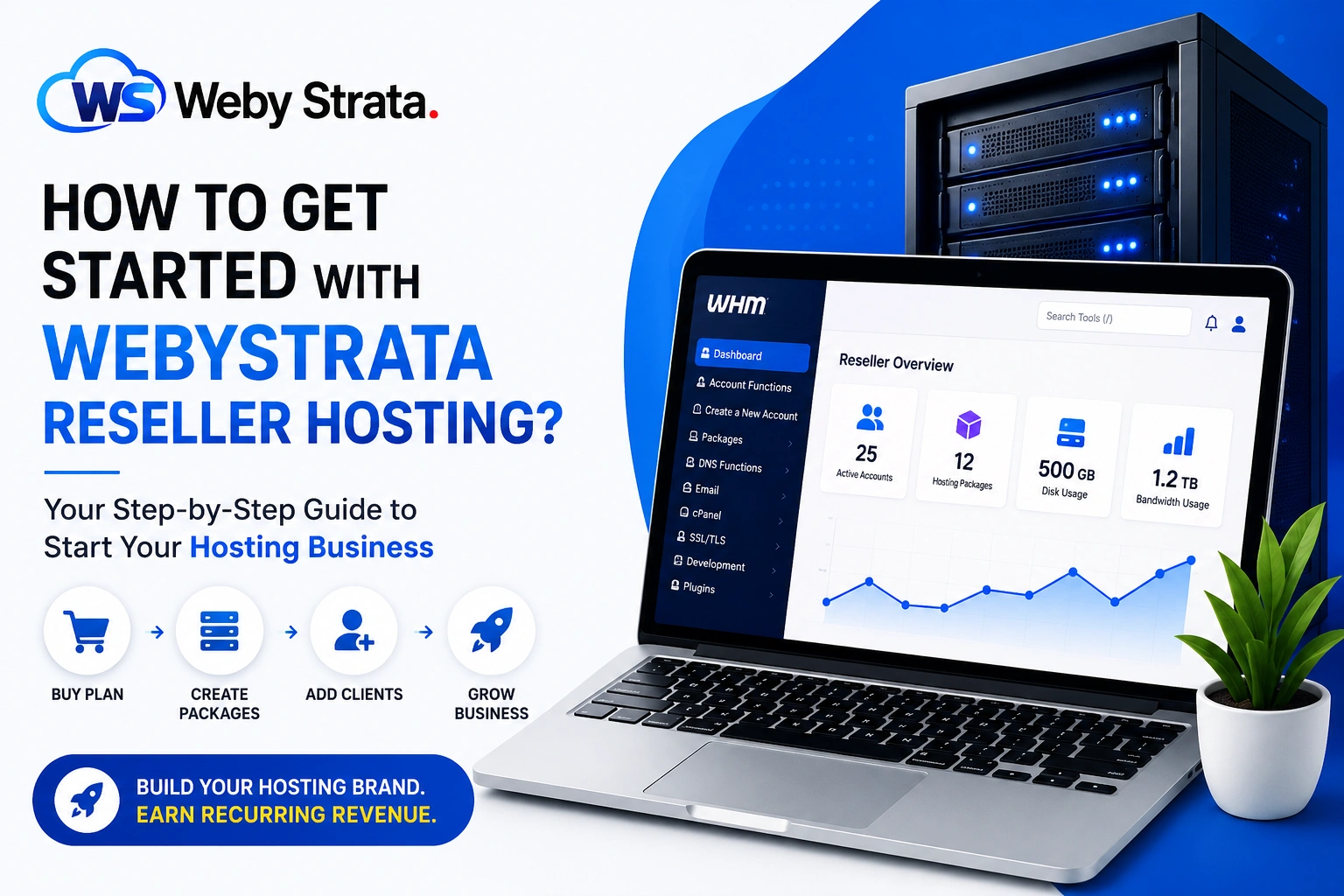
How to Get Started with WebyStrata Reseller Hosting
Starting your own web hosting business no longer requires purchasing expensive servers, hiring technical staff, or managing complex infrastructure. With WebyStrata Reseller Hosting, you can launch your own hosting brand, create custom hosting packages, and generate recurring revenue with minimal investment.
Whether you’re a web developer, freelancer, agency owner, entrepreneur, or digital marketer, reseller hosting provides an excellent opportunity to build a profitable online business while offering valuable hosting services to your customers.
In this guide, we’ll walk you through the complete process of getting started with WebyStrata Reseller Hosting.
Why Choose Reseller Hosting?
Reseller hosting allows you to purchase hosting resources from a trusted provider and resell them under your own brand.
Benefits Include:
- Start a hosting business with low investment
- Generate recurring monthly and yearly income
- Create your own hosting plans
- Build your own hosting brand
- Manage multiple customer websites
- No server management required
- White-label hosting environment
The best part is that WebyStrata handles the server infrastructure while you focus on growing your business.
Step 1: Choose a WebyStrata Reseller Hosting Plan
The first step is selecting a reseller hosting package that matches your business goals.
Consider:
- Number of customers you expect
- Storage requirements
- Bandwidth usage
- Future growth plans
If you’re just starting, you can begin with an entry-level reseller plan and upgrade as your customer base expands.
WebyStrata Reseller Hosting Features
- WHM & cPanel Access
- White Label Hosting
- NVMe SSD Storage
- LiteSpeed Web Server
- Free SSL Certificates
- Unlimited Email Accounts
- Weekly Backups
- Softaculous Installer
- 24/7 Technical Support
Step 2: Configure Your White Label Hosting Brand
One of the biggest advantages of reseller hosting is the ability to create your own hosting company identity.
You can customize:
- Company Name
- Logo
- Support Information
- Client Portal Branding
- Private Name Servers
Your customers will see your brand instead of WebyStrata’s infrastructure.
Step 3: Configure Private Name Servers
Private name servers help strengthen your hosting brand.
Example:
Instead of:
ns1.hostprovider.com
ns2.hostprovider.com
You can create:
ns1.yourcompany.com
ns2.yourcompany.com
This provides a completely white-label hosting experience.
Step 4: Login to WHM
Once your reseller account is activated, you’ll receive WHM login details.
WHM (Web Host Manager) allows you to:
- Create hosting packages
- Create customer accounts
- Manage resources
- Suspend or reactivate accounts
- Monitor usage
WHM becomes the central control panel for your hosting business.
Step 5: Create Hosting Packages
Before adding customers, create hosting plans that you want to sell.
Example Packages
Starter Plan
- 30 GB Storage
- Unlimited Bandwidth
- Unlimited Email Accounts
Business Plan
- 120 GB Storage
- Unlimited Bandwidth
- Unlimited Email Accounts
Premium Plan
- 180 GB Storage
- Unlimited Bandwidth
- Unlimited Email Accounts
Enterprise Plan
- 200 GB Storage
- Unlimited Bandwidth
- Unlimited Email Accounts
How to Create Packages
WHM → Packages → Add a Package
Assign:
- Disk Space
- Bandwidth
- Email Accounts
- Databases
- Domains
- Features
Save the package.
Step 6: Create Customer cPanel Accounts
Once hosting packages are ready, create individual cPanel accounts for customers.
Steps
WHM → Account Functions → Create a New Account
Enter:
- Domain Name
- Username
- Password
- Contact Email
- Package Selection
Click: Create Account
Each customer receives their own cPanel access.
Step 7: Upload Websites
After creating a cPanel account, the website can be uploaded.
Methods include:
File Manager
Upload files directly from cPanel.
FTP
Use applications such as:
- FileZilla
- Cyberduck
- WinSCP
FTP allows faster and more efficient website file transfers.
Step 8: Install Applications with Softaculous
WebyStrata includes Softaculous, allowing one-click installation of popular applications.
Supported applications include:
- WordPress
- Joomla
- Drupal
- PrestaShop
- Magento
- OpenCart
This makes website deployment quick and simple.
Step 9: Configure Billing & Client Management
As your customer base grows, billing automation becomes important.
Benefits of Billing Automation
- Automatic invoices
- Renewal reminders
- Payment tracking
- Customer management
- Support ticket management
Automating repetitive tasks saves time and improves business efficiency.
Step 10: Start Marketing Your Hosting Business
Once your reseller hosting setup is complete, focus on customer acquisition.
Marketing Strategies
Create a Website
Build a professional hosting website.
SEO
Optimize for keywords such as:
- Reseller Hosting
- White Label Hosting
- Cheap Hosting
- Web Hosting Business
Social Media Marketing
Promote your hosting services on:
- X (Twitter)
Content Marketing
Publish hosting guides and tutorials to attract customers.
Why WebyStrata Reseller Hosting Is a Smart Choice
WebyStrata provides everything needed to launch and grow a successful reseller hosting business.
Key Advantages
✔ White Label Hosting
✔ WHM & cPanel
✔ LiteSpeed Servers
✔ NVMe SSD Storage
✔ Free SSL Certificates
✔ Daily Backups
✔ 24/7 Support
✔ Scalable Resources
✔ Business-Friendly Pricing
Whether you’re managing a few websites or hundreds of customer accounts, WebyStrata provides the infrastructure needed for long-term growth.
Conclusion
Starting a reseller hosting business has never been easier. With WebyStrata Reseller Hosting, you can launch your own hosting brand, create custom packages, manage customers through WHM and cPanel, and generate recurring income without worrying about server management.
By following the steps above, you can quickly build a professional hosting business and begin serving clients under your own brand.
Follow For More Updates: Linkedin
Related Articles