cPanel
How to Login to cPanel Through WebyStrata Client Area
How to Login to cPanel Through WebyStrata Managing your website becomes much easier when you know how to access your hosting control panel quickly and securely. If you are a WebyStrata hosting customer, you…
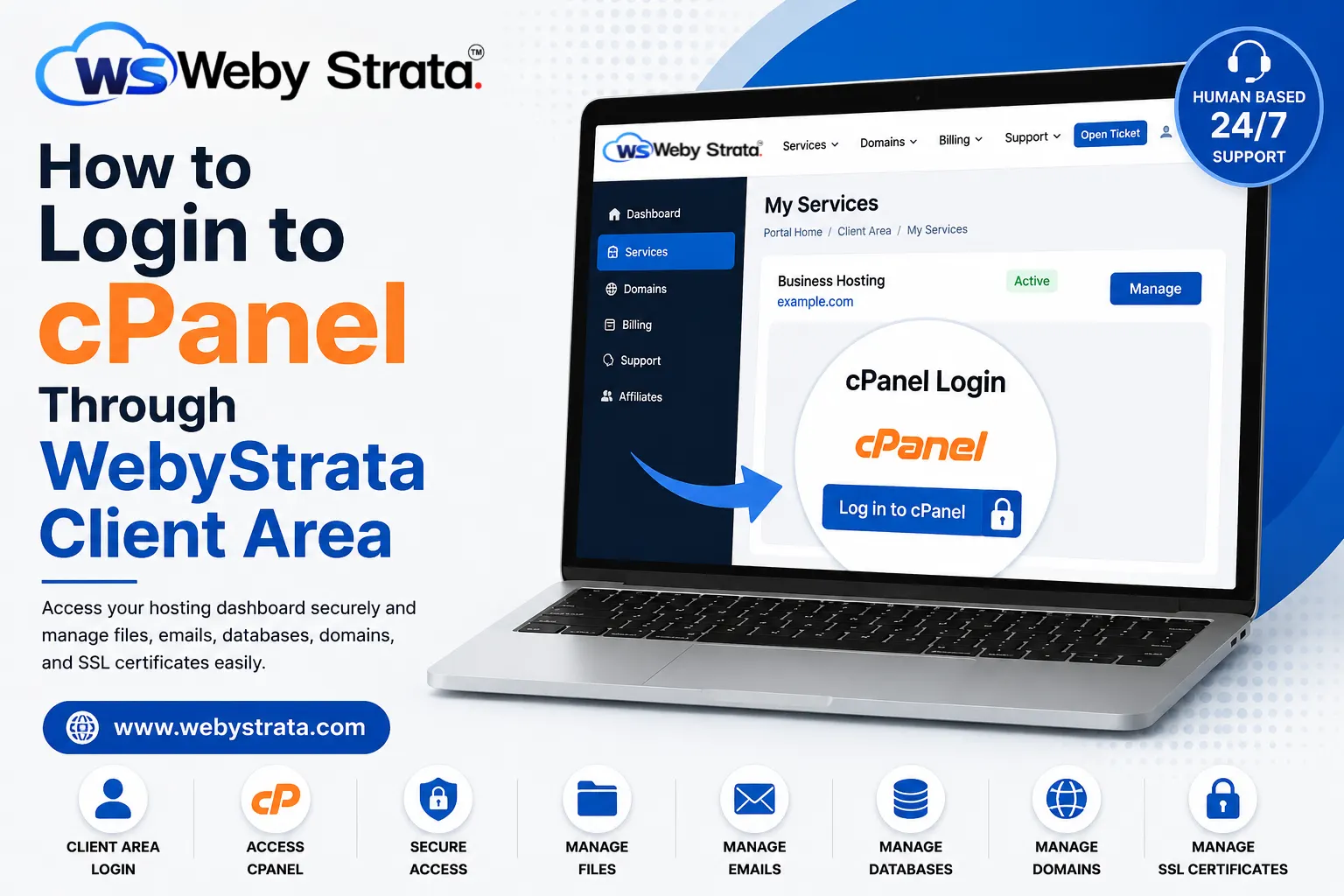
How to Login to cPanel Through WebyStrata
Managing your website becomes much easier when you know how to access your hosting control panel quickly and securely. If you are a WebyStrata hosting customer, you can easily access your cPanel account directly from the client area without manually entering server details.
In this guide, you will learn how to login to cPanel through WebyStrata step by step and understand how to manage your hosting account efficiently.
What is cPanel and Why is it Important?
Before learning how to login to cPanel through WebyStrata, it is important to understand what cPanel actually is.
cPanel is a powerful web hosting control panel that helps users manage:
- Website files
- Domains
- Emails
- Databases
- SSL certificates
- WordPress installations
- Website backups
It provides an easy graphical interface that simplifies website management for beginners and professionals alike.
How to Login to cPanel Through WebyStrata
If you are wondering how to login to cPanel through WebyStrata, follow these simple steps carefully.
Step 1: Visit the WebyStrata Website
Open your preferred browser and visit the official WebyStrata website.
On the homepage, you will find hosting services, account options, and support links.
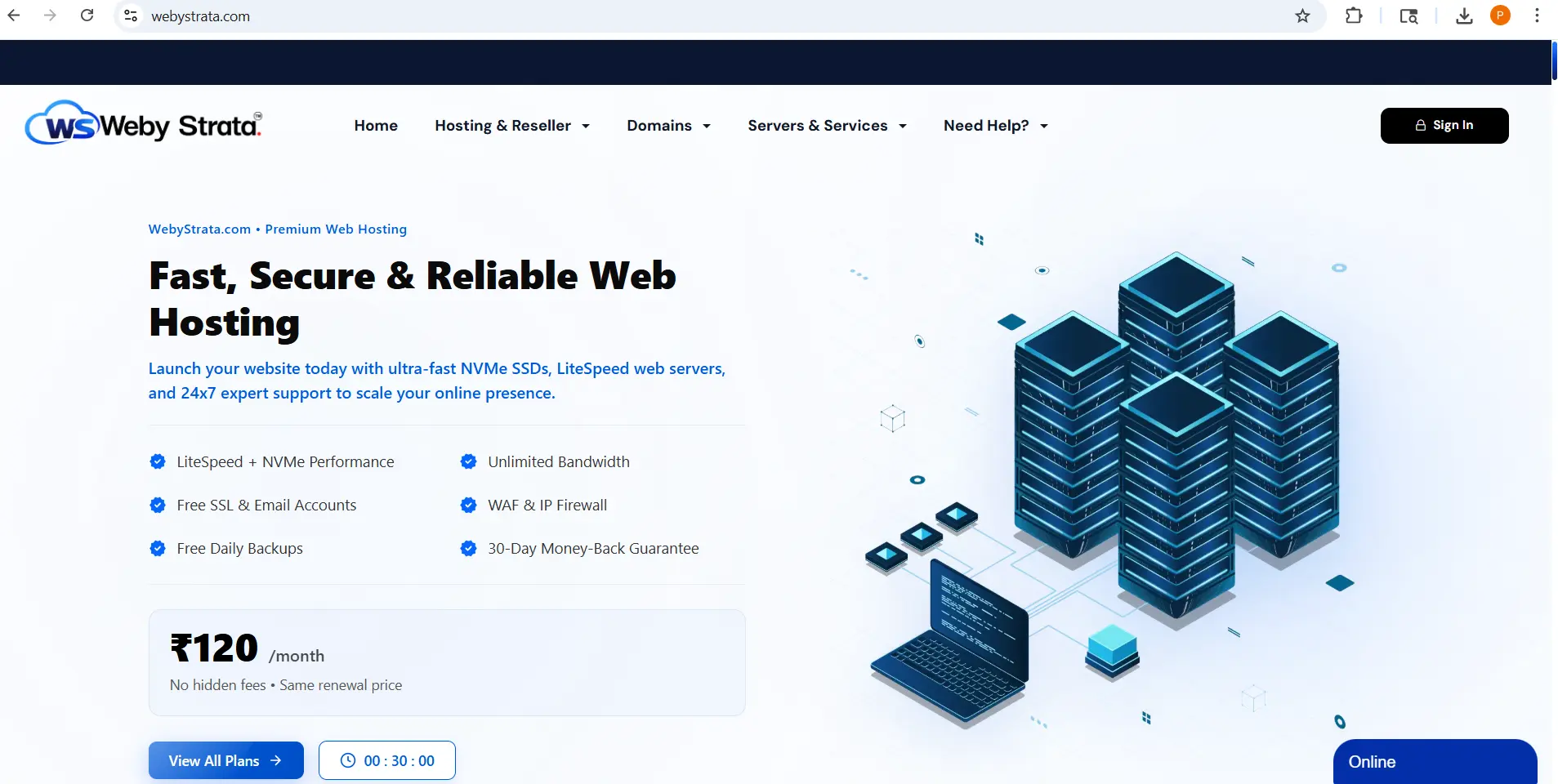
Step 2: Click the Sign In Button
On the homepage, locate the Sign In button at the top-right corner of the website.
Click the Sign In button to begin the login process.
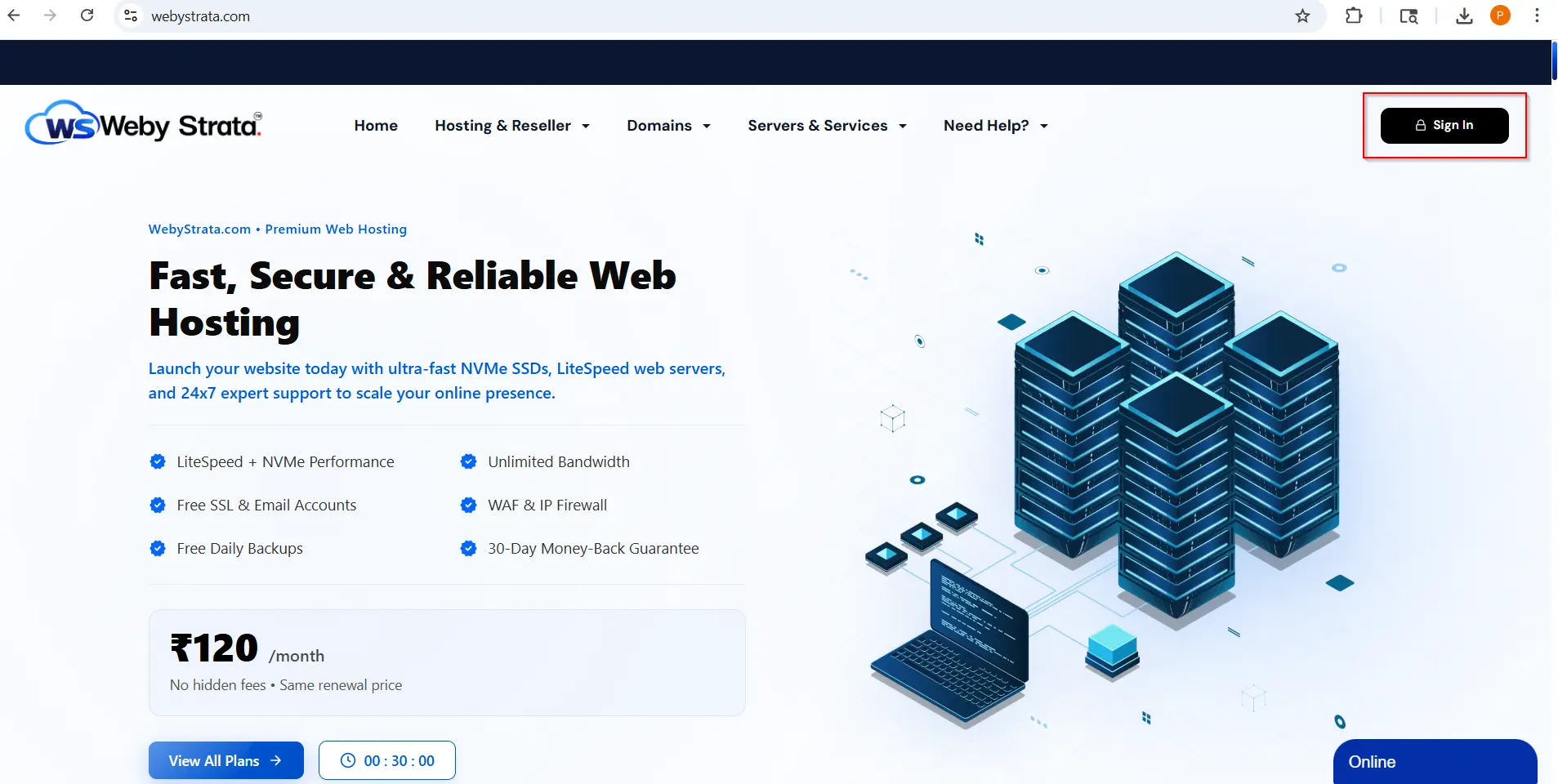
Step 3: Open the WebyStrata Login Portal
To continue the process of how to login to cPanel through WebyStrata, click the Sign In button available at the top-right corner of the homepage.
You will be redirected to the secure client area login portal.
Step 4: Enter Your Login Credentials
Inside the login portal:
- Enter your registered email address
- Enter your account password
After filling in the details, click the Login button.
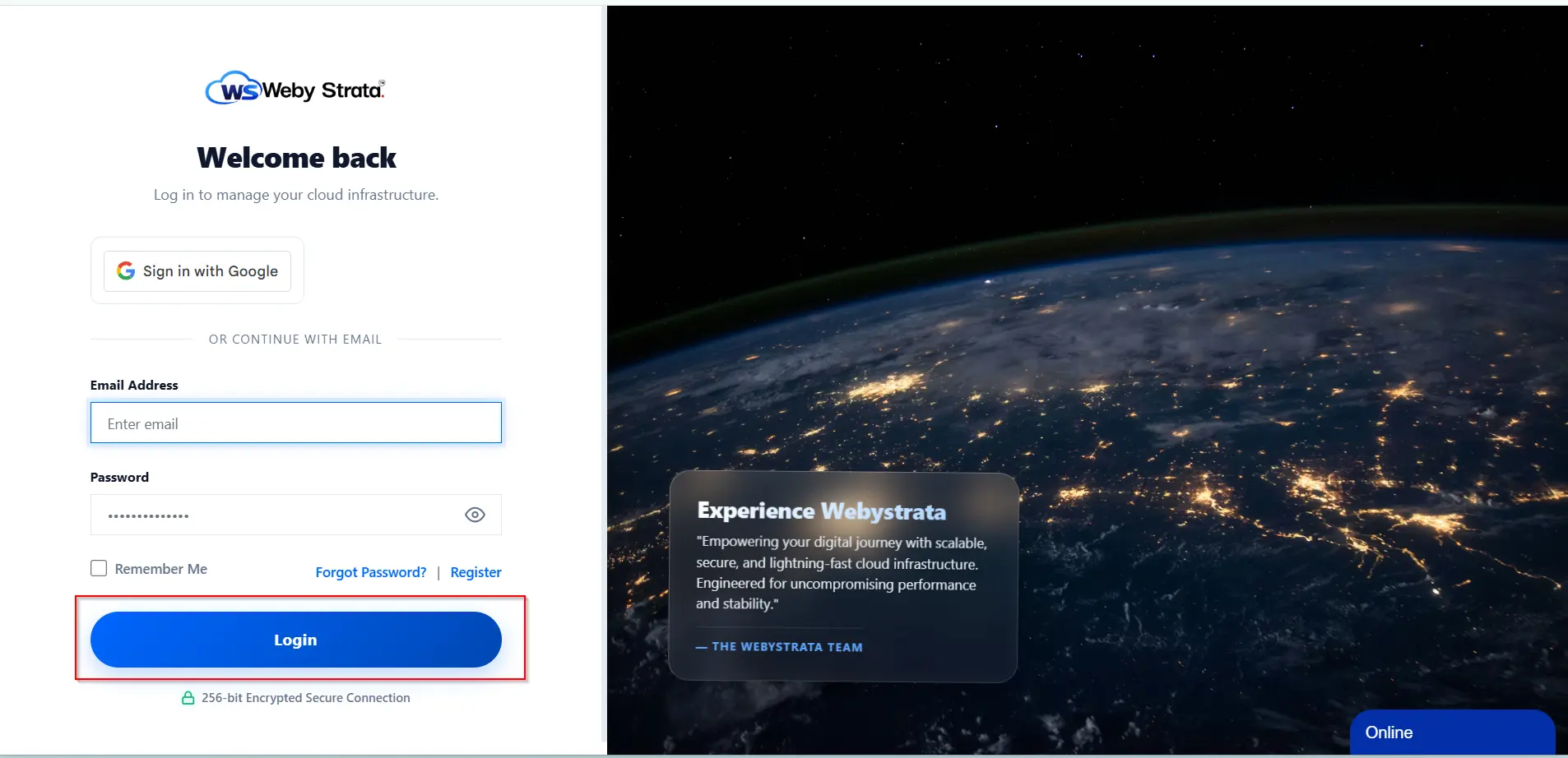
This will securely authenticate your account and open your client dashboard.
How to Login to cPanel Through WebyStrata Client Dashboard
Once you successfully enter the client area, follow these steps:
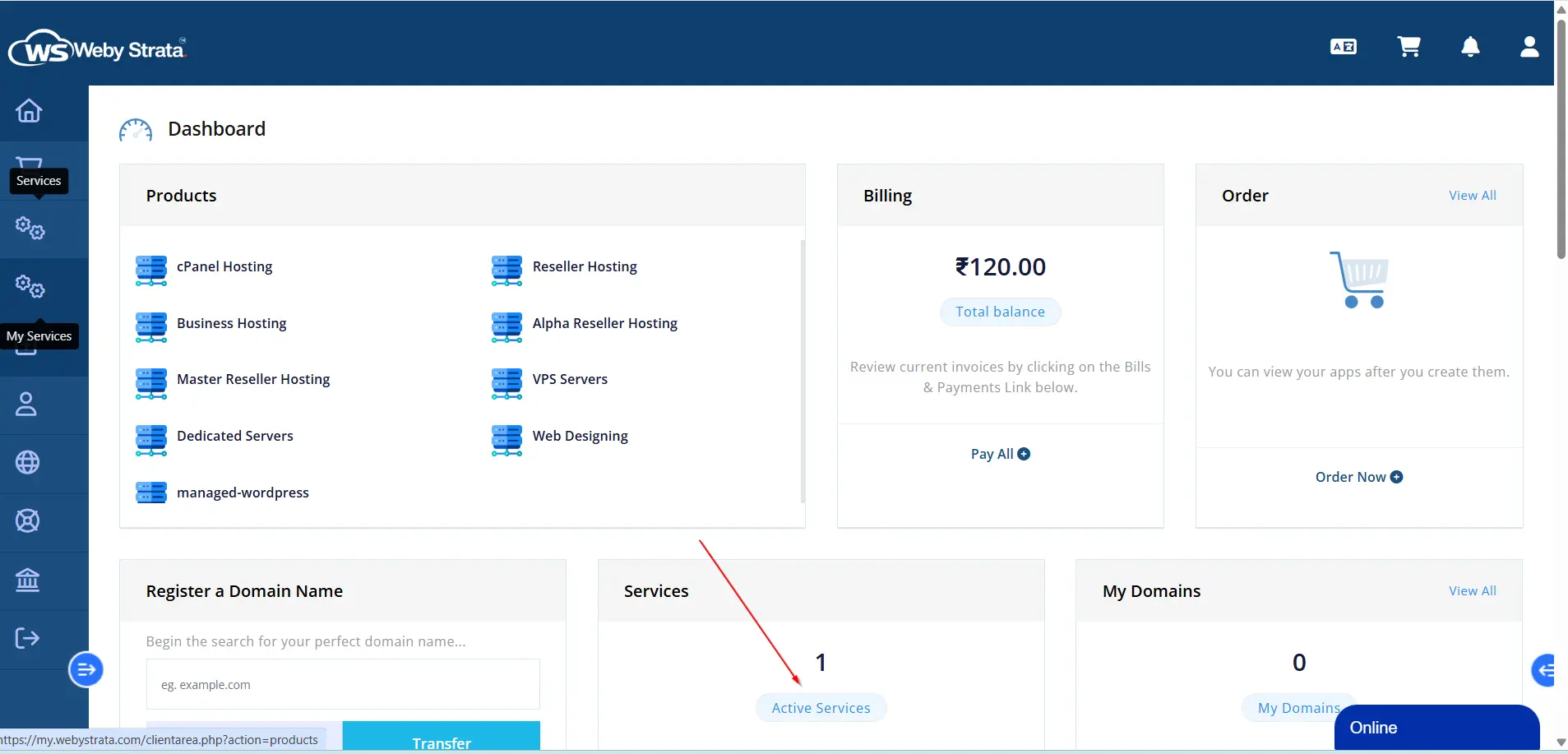
- Click on Services
- Open My Services
- Select your active hosting package
This section contains all hosting management options related to your account.
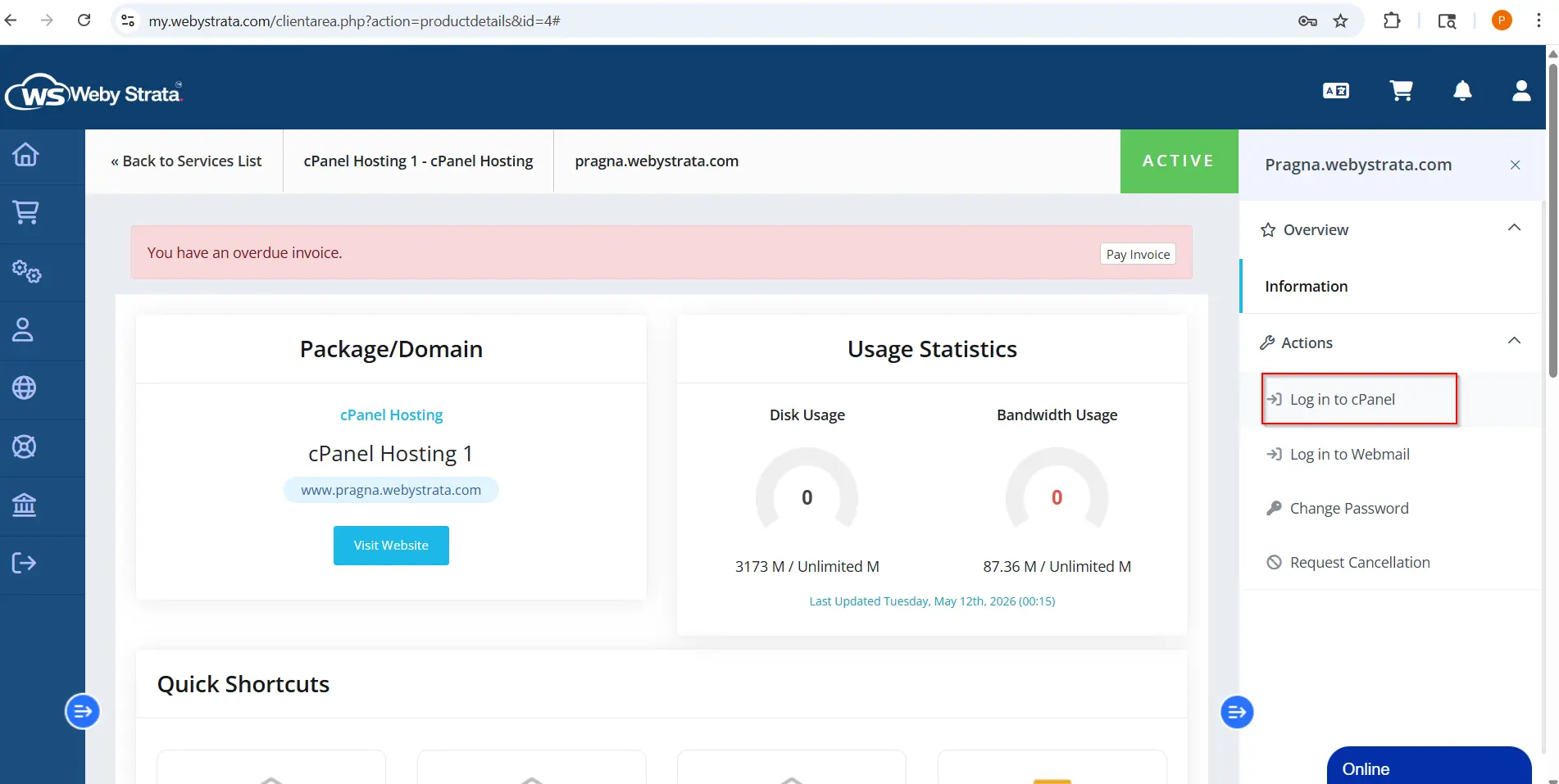
Click the “Log in to cPanel” Button
Inside your hosting details page, locate the Log in to cPanel option.
Clicking this button will automatically redirect you to your cPanel dashboard without asking for another password.
This is the easiest method for users searching for how to login to cPanel through WebyStrata securely.
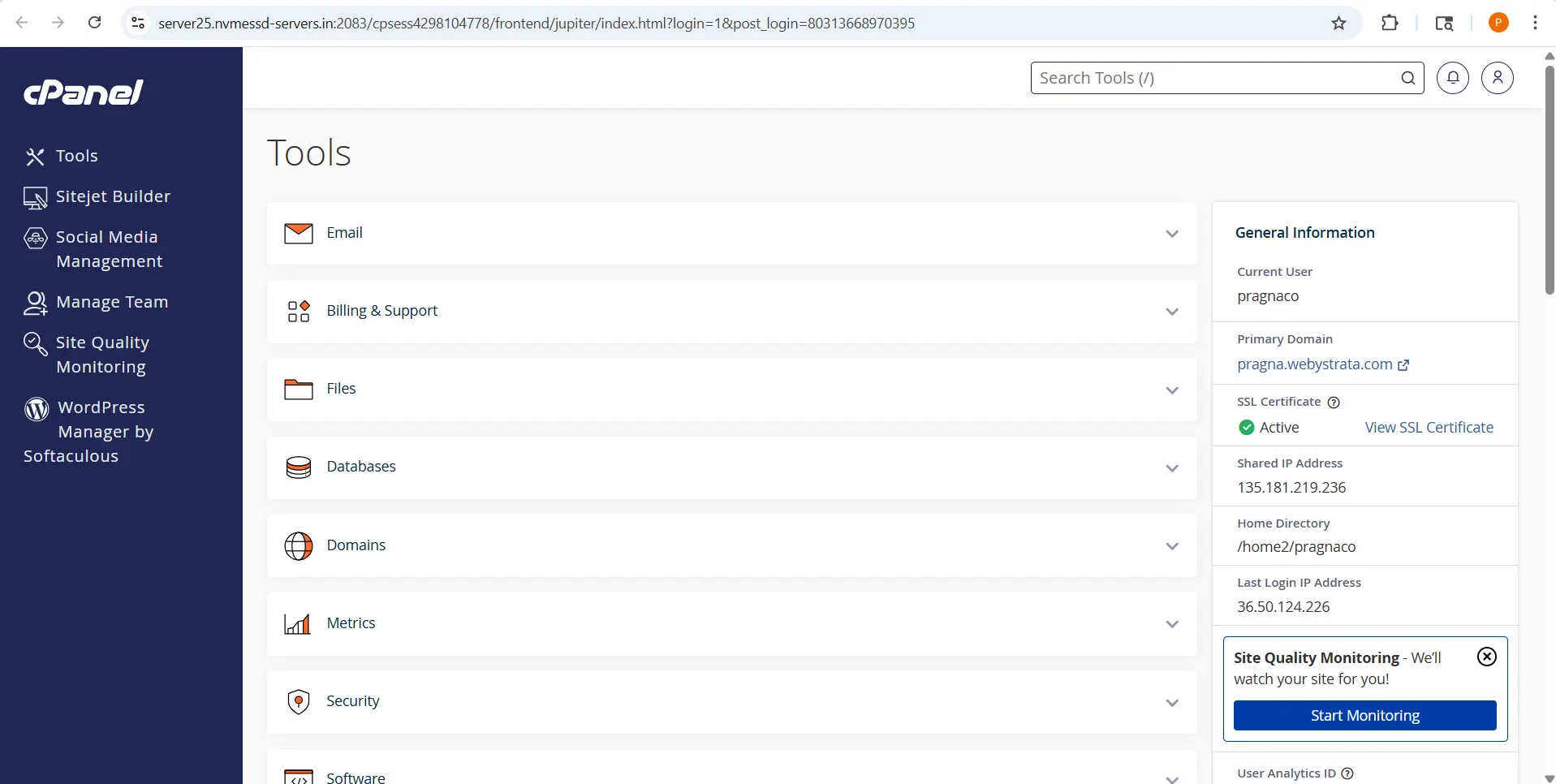
Cpanel Dashboard:
Benefits of Using WebyStrata cPanel Login
Learning how to login to cPanel through WebyStrata provides several advantages:
- One-click secure access
- Easy website management
- Faster hosting administration
- Secure authentication
- Beginner-friendly dashboard
- Quick access to hosting tools
This method is especially useful for users who do not want to remember separate cPanel login URLs.
What You Can Do After Learning How to Login to cPanel Through WebyStrata
After accessing cPanel, you can manage various hosting features including:
- Uploading website files
- Creating business email accounts
- Managing databases
- Installing WordPress
- Configuring SSL certificates
- Creating backups
- Managing FTP accounts
cPanel makes complete website administration simple and efficient.
Secure Tips for How to Login to cPanel Through WebyStrata
While accessing your hosting account, always follow secure practices.
Use Strong Passwords
Create passwords using:
- Uppercase letters
- Lowercase letters
- Numbers
- Special characters
Avoid Sharing Login Credentials
Never share your WebyStrata client area password with unauthorized users.
Logout After Access
Always log out after using cPanel, especially on public or shared devices.
Common Issues While Learning How to Login to cPanel Through WebyStrata
Sometimes users may experience login-related issues.
Incorrect Password
Double-check your email address and password carefully.
Unable to Access cPanel
Try:
- Clearing browser cache
- Using another browser
- Checking hosting account status
Forgot Password
Use the password reset option available on the login page.
Final Thoughts on How to Login to cPanel Through WebyStrata
Understanding how to login to cPanel through WebyStrata is essential for managing your hosting account efficiently. The WebyStrata client area provides a secure and simple way to access cPanel with just a few clicks.
Whether you are managing websites, emails, databases, or WordPress installations, cPanel gives you complete control over your hosting environment through an easy-to-use interface.
If you are looking for reliable hosting services with secure cPanel access, explore WebyStrata hosting solutions today.
Related Articles