Latest Updates
How to Make Hidden File Visible from cPanel File Manager?
To view hidden files in cPanel File Manager, you need to enable the option that displays all hidden files (dotfiles) inside your account and subdirectories. Steps to Show Hidden Files in cPanel 1. Log…
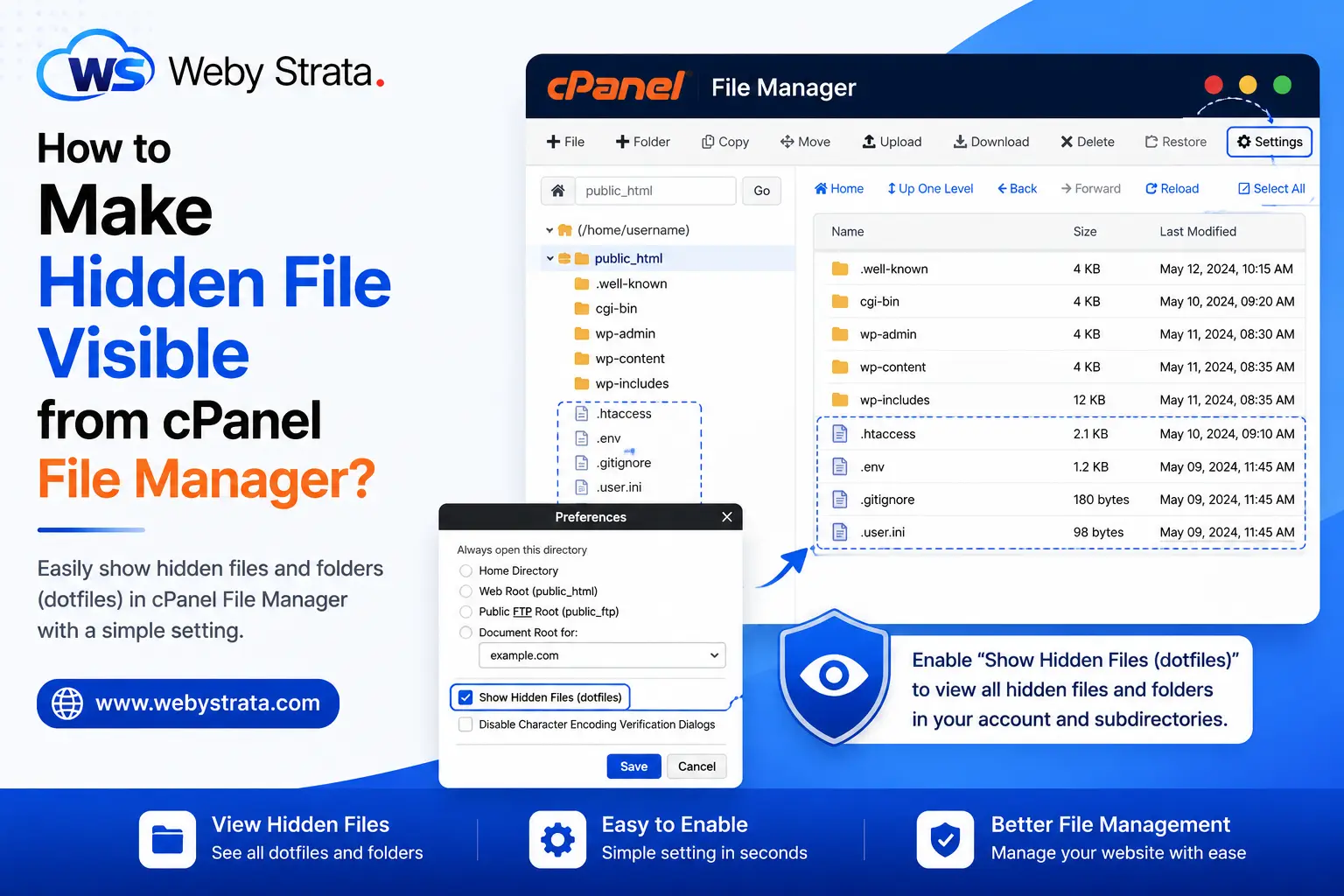
To view hidden files in cPanel File Manager, you need to enable the option that displays all hidden files (dotfiles) inside your account and subdirectories.
Steps to Show Hidden Files in cPanel
1. Log in to Your cPanel Account
Access your hosting cPanel using your username and password.
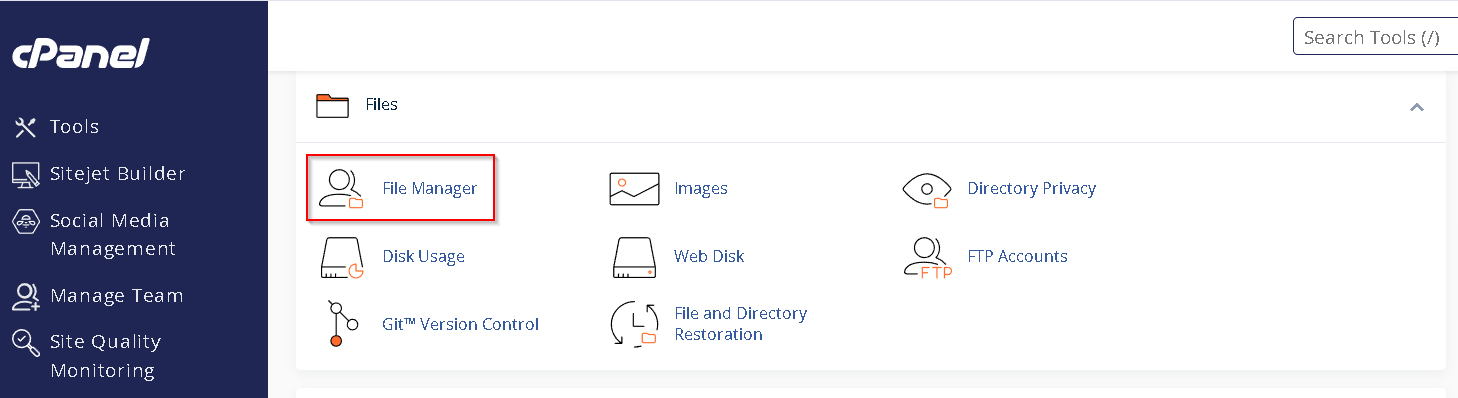
2. Open File Manager
- Go to the FILES section.
- Click on File Manager.
The File Manager interface will open in a new browser tab
3. Open Settings
- In the top-right corner of File Manager, click the Settings button.
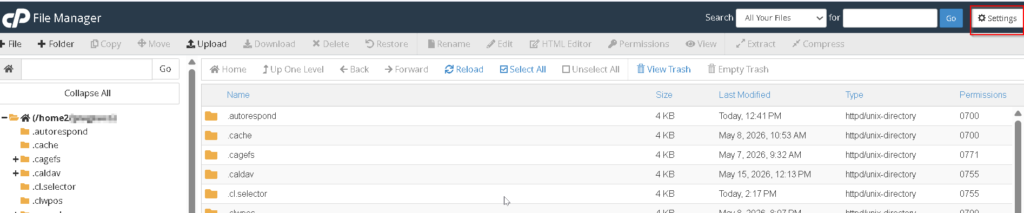
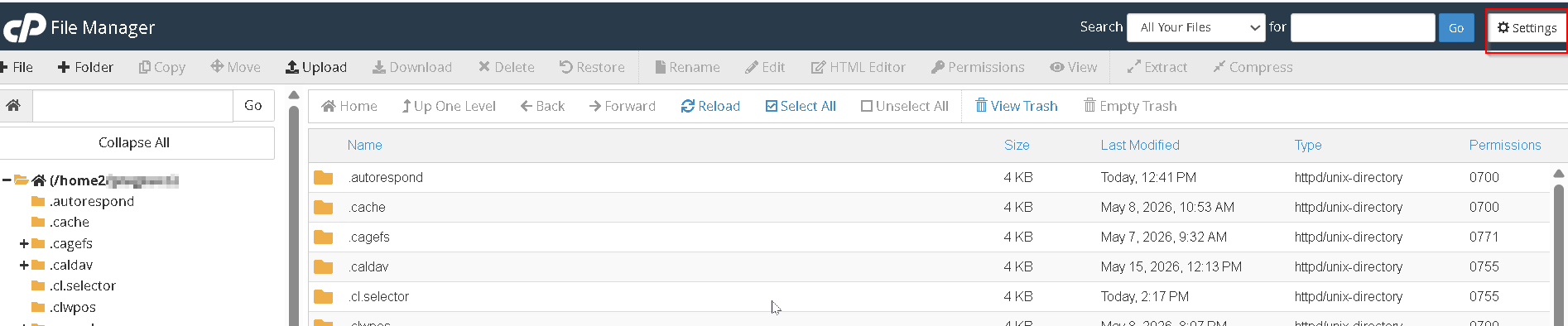
A Preferences popup window will appear.
4. Enable Hidden Files
- Locate the option:
Show Hidden Files (dotfiles)
- Check the box next to this option.
- Click Save.
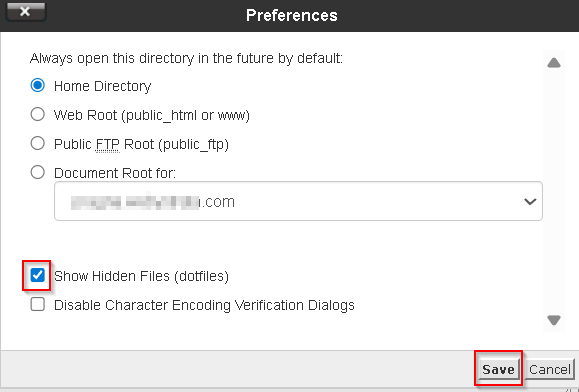 You will now be able to view all hidden files and folders inside your cPanel File Manager
Related Articles