WordPress Complete Tutorials
Shopify to WordPress Migration Guide: Tools, Steps & Best Practices (2026)
How to Migrate Shopify to WordPress Guide: Tools, Steps & Best Practices (2026) Migrating from Shopify to WordPress has become increasingly common as online businesses look for greater flexibility, lower long-term costs, and complete…
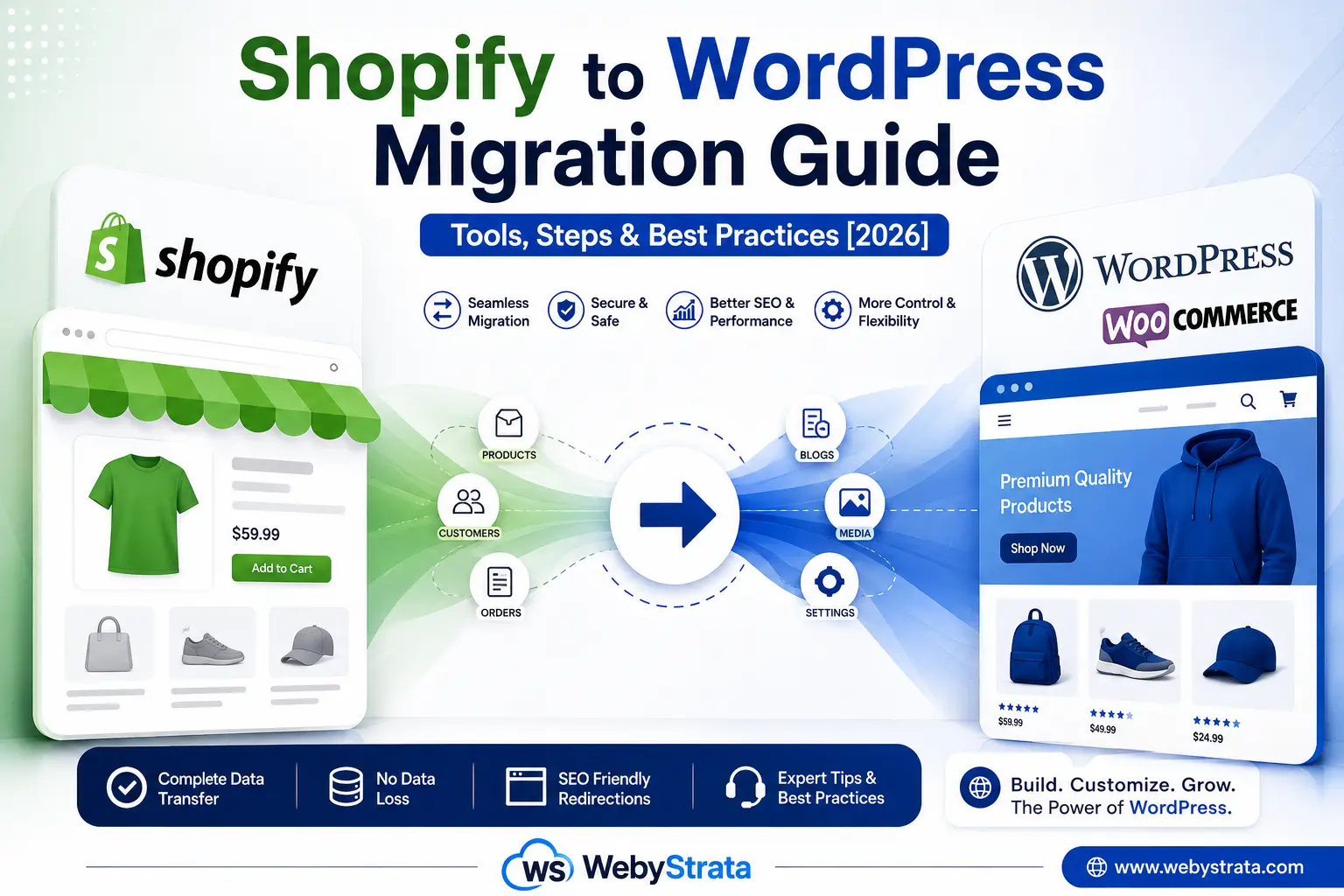
How to Migrate Shopify to WordPress Guide: Tools, Steps & Best Practices (2026)
Migrating from Shopify to WordPress has become increasingly common as online businesses look for greater flexibility, lower long-term costs, and complete control over their websites. Shopify is an excellent hosted ecommerce platform that simplifies store management, but as businesses grow, many discover limitations in customization, SEO, plugin availability, and ongoing subscription costs. WordPress, combined with WooCommerce, provides a powerful alternative by offering unlimited customization, ownership of website data, and access to thousands of plugins and themes.
Whether you’re planning to migrate a small online store or a large ecommerce website, a successful migration requires careful planning to avoid data loss, broken links, SEO issues, and downtime. This guide explains how to migrate from Shopify to WordPress, the best migration tools, step-by-step instructions, and the best practices to ensure a smooth transition.
Migrating from Shopify to WordPress allows businesses to gain complete control over their website, reduce long-term operating costs, improve SEO flexibility, and access unlimited customization options. The migration process typically includes exporting Shopify data, setting up WordPress and WooCommerce, importing products and customer information, migrating blog content, redesigning the storefront, configuring payment gateways, and implementing proper SEO redirects. By following best practices and testing thoroughly, businesses can migrate successfully while protecting their search engine rankings and customer experience.
What is Shopify?
Shopify is a cloud-based ecommerce platform that enables businesses to create, manage, and grow online stores without worrying about web hosting, server management, or software maintenance. Since it is a fully hosted Software-as-a-Service (SaaS) platform, Shopify handles infrastructure, security updates, backups, and performance optimization, allowing store owners to focus on selling products.
Shopify provides everything required to launch an online business, including product management, inventory tracking, secure payment gateways, shipping integrations, marketing tools, and mobile-friendly themes. It also supports thousands of third-party applications through the Shopify App Store, enabling businesses to extend their store’s functionality as they grow.
Its ease of use makes Shopify an excellent choice for beginners and small businesses. However, businesses requiring extensive customization, advanced SEO control, or complete ownership of website data often migrate to WordPress as their stores expand.
What is WordPress?
WordPress is the world’s most popular Content Management System (CMS), powering over 40% of all websites on the internet. It is open-source software that allows users to build everything from simple blogs to complex ecommerce websites without being tied to a single hosting provider.
When combined with WooCommerce, WordPress becomes a powerful ecommerce platform capable of handling online stores of every size. Unlike hosted platforms, WordPress gives complete control over website files, databases, design, plugins, and server configuration.
Businesses prefer WordPress because it offers unlimited customization, thousands of themes and plugins, excellent SEO capabilities, and the flexibility to scale as their business grows. Whether you’re creating a business website, portfolio, blog, or online store, WordPress provides a highly customizable foundation for long-term growth.
Shopify vs WordPress for Ecommerce: What Are the Key Differences?
Although both Shopify and WordPress allow businesses to sell products online, they are built on completely different approaches.
Shopify is designed as an all-in-one ecommerce platform where hosting, security, maintenance, and software updates are managed by Shopify. This makes it easy to launch a store quickly without technical expertise. However, users have limited control over the platform and must work within Shopify’s ecosystem.
WordPress, combined with WooCommerce, provides complete ownership and flexibility. Users can choose their own hosting provider, customize every aspect of the website, install thousands of plugins, and optimize their store for SEO without platform restrictions. While WordPress requires slightly more setup and maintenance, it offers significantly greater freedom for businesses planning long-term growth.
| Feature | Shopify | WordPress + WooCommerce |
|---|---|---|
| Platform Type | Hosted SaaS | Self-Hosted CMS |
| Hosting | Included | Choose Your Own Hosting |
| Data Ownership | Limited | Complete Ownership |
| SEO Control | Good | Excellent |
| Customization | Moderate | Unlimited |
| Plugins & Extensions | Shopify Apps | 60,000+ WordPress Plugins |
| Monthly Costs | Subscription-Based | Hosting + Optional Plugins |
| Best For | Beginners | Growing Businesses & Enterprises |
Why Businesses Are Moving from Shopify to WordPress
Shopify has become one of the world’s most popular ecommerce platforms because it allows anyone to launch an online store without worrying about server management or software maintenance. Its simplicity makes it ideal for beginners and small businesses.
However, as online stores expand, many business owners begin looking for greater flexibility. They want complete control over website design, advanced SEO customization, access to more plugins, and the freedom to modify every aspect of their online store.
WordPress, combined with WooCommerce, offers exactly that. Instead of operating within the limitations of a hosted platform, businesses gain complete ownership of their website and data while benefiting from one of the largest open-source ecosystems in the world.
For businesses planning long-term growth, migrating to WordPress often becomes a strategic decision rather than simply a technical upgrade.Why Migrate from Shopify to WordPress?
There are several reasons why businesses choose to move their online stores from Shopify to WordPress.
Greater Website Ownership
With WordPress, you own your website files, databases, and content. Unlike hosted platforms, your website is not tied to a single provider’s infrastructure, giving you complete control over your online business.
Lower Long-Term Costs
While WordPress requires web hosting and occasional premium plugins, many businesses find it more cost-effective over time compared to paying ongoing Shopify subscription fees and additional app charges.
Better SEO Flexibility
WordPress has long been recognized as one of the best platforms for search engine optimization.
Business owners can customize:
- URLs
- Meta titles
- Meta descriptions
- Schema markup
- Internal linking
- XML sitemaps
- Robots.txt
- Canonical URLs
This level of control makes WordPress especially attractive for content-driven businesses.
Unlimited Customization
Shopify themes are flexible, but WordPress offers virtually unlimited customization possibilities.
Developers can modify every aspect of the website using:
- Themes
- Plugins
- Custom code
- Page builders
- WooCommerce extensions
This makes WordPress suitable for businesses with unique design or functionality requirements.
Thousands of Plugins
The WordPress ecosystem provides access to thousands of plugins covering:
- SEO
- Security
- Performance
- Marketing automation
- Analytics
- Shipping
- Payment gateways
- Customer engagement
This extensive plugin library allows businesses to expand their online stores without major development costs.
How to Migrate from Shopify to WordPress?
Migrating from Shopify to WordPress requires careful planning to ensure that products, customers, orders, blog content, and SEO rankings remain intact. A structured migration process minimizes downtime and prevents unnecessary data loss.
The migration typically involves exporting Shopify data, setting up a new WordPress website with WooCommerce, importing products and customer information, rebuilding the store design, configuring payment gateways, and testing the website before going live. Businesses should also implement proper 301 redirects to preserve existing search engine rankings and ensure visitors are redirected to the correct pages after migration.
Although the migration process may appear technical, using specialized migration tools can significantly simplify the transition while reducing manual work.
How to Ensure a Seamless Website Migration?
A successful website migration is not just about transferring data—it also involves protecting your SEO rankings, preserving customer experience, and ensuring every part of the new website functions correctly.
Before starting the migration, always create a complete backup of your Shopify store. This provides a recovery point in case anything goes wrong during the migration process. Once the data has been transferred, thoroughly test your new WordPress website by checking products, categories, images, checkout functionality, payment gateways, customer accounts, and mobile responsiveness.
Finally, implement proper 301 redirects from old Shopify URLs to the corresponding WordPress pages. This helps preserve search engine rankings, prevents broken links, and ensures visitors can continue accessing your content without interruption. Monitoring website performance after launch allows you to identify and resolve any remaining issues quickly, resulting in a smooth migration with minimal impact on customers or search visibility.
Things to Do Before Starting the Migration
Proper planning significantly reduces migration problems.
Before moving your Shopify store, make sure you:
- Create a complete backup
- Audit your existing store
- Review products and categories
- Export customer information
- Record important URLs
- Plan your website structure
- Choose reliable WordPress hosting
Preparing these elements beforehand makes the migration process much smoother.
Step 1: Export Your Shopify Store Data
The first step involves exporting all important store information from Shopify.
This usually includes:
- Products
- Product images
- Customers
- Orders
- Collections
- Discount information
- Blog content
Shopify allows most of this information to be exported in CSV format, making it easier to import into WooCommerce later.
Step 2: Set Up WordPress and WooCommerce
After exporting your Shopify data, install WordPress on your hosting account.
Next, install WooCommerce, which transforms WordPress into a complete ecommerce platform.
During setup, configure:
- Store location
- Currency
- Tax settings
- Shipping options
- Payment gateways
At this stage, your new online store is ready to receive imported data.
Step 3: Import Products and Customer Data
Once WooCommerce is configured, import the exported Shopify data.
Most migration tools automatically import:
- Products
- Categories
- Images
- Customer accounts
- Inventory
- Product variations
Before importing the full catalog, test a small batch to ensure all information appears correctly on the storefront.
Step 4: Migrate Blog Posts and Media Files
If your Shopify store includes blog content, migrate it to WordPress as well.
Moving your blog content preserves:
- Existing articles
- Images
- SEO value
- Internal links
- Brand authority
Many migration plugins can import blog posts while maintaining formatting and media attachments.
Step 5: Rebuild Your Store Design
Your Shopify theme cannot be directly transferred to WordPress.
Instead, choose a responsive WordPress theme compatible with WooCommerce and recreate your website’s design.
This is also a good opportunity to improve:
- Navigation
- Homepage layout
- Product pages
- Mobile responsiveness
- Checkout experience
Many businesses use migration as an opportunity to modernize their online stores.
Step 6: Configure Payment Gateways and Plugins
The final setup stage involves configuring payment methods and installing essential plugins.
Popular payment gateways include:
- Razorpay
- PayPal
- Stripe
- PayU
- Cash on Delivery
You should also install plugins for:
- SEO
- Security
- Backups
- Performance optimization
- Caching
- Image optimization
Proper configuration ensures your new WordPress store performs efficiently from day one.
Best Shopify to WordPress Migration Tools
Several tools simplify the migration process.
Cart2Cart
Cart2Cart is one of the most widely used migration services. It automates product, customer, order, and category transfers while minimizing downtime.
Ideal for:
- Medium to large stores
- Automated migration
- Minimal technical knowledge
LitExtension
LitExtension supports complex ecommerce migrations with advanced mapping options and excellent compatibility between Shopify and WooCommerce.
Ideal for:
- Large catalogs
- Enterprise stores
- Multi-language websites
WP All Import
WP All Import is suitable for businesses importing structured CSV files into WooCommerce.
Ideal for:
- Manual migrations
- Customized imports
- Product data management
These tools reduce manual work while improving migration accuracy.
Best Practices for a Successful Migration
A successful migration requires more than simply copying products.
Always Create a Full Backup
Before making any changes, create backups of your Shopify store and website assets.
Backups allow quick recovery if unexpected issues occur during migration.
Test Everything Before Going Live
Carefully verify:
- Products
- Images
- Categories
- Customer accounts
- Checkout
- Payment gateways
- Shipping calculations
Testing helps identify issues before customers encounter them.
Protect Your SEO Rankings
SEO should remain a priority throughout the migration.
Implement:
- 301 redirects
- Updated XML sitemap
- Internal link checks
- Meta title verification
- Canonical URLs
Proper redirects prevent broken links and preserve search engine rankings.
Monitor Website Performance
After migration, regularly monitor:
- Website speed
- Crawl errors
- Broken links
- Search rankings
- Conversion rates
Continuous monitoring allows quick correction of any post-migration issues.
Common Migration Challenges
Businesses may encounter:
- Missing product images
- Broken internal links
- Incorrect product variations
- Duplicate content
- Payment gateway issues
- SEO ranking fluctuations
Most problems can be avoided through careful planning and thorough testing.
Why Choose WordPress Hosting from WebyStrata?
Choosing reliable hosting is essential after migrating from Shopify.
WebyStrata WordPress Hosting provides an optimized environment for WooCommerce websites with:
- NVMe SSD Storage
- LiteSpeed Web Server
- Free SSL Certificates
- Daily Backups
- CloudLinux Protection
- One-Click WordPress Installation
- WooCommerce Compatibility
- 99.9% Uptime
- 24/7 Technical Support
Whether you’re migrating a small online store or a large ecommerce business, WebyStrata provides the performance, security, and scalability needed for long-term success.
Final Verdict
Migrating from Shopify to WordPress is more than simply changing platforms—it’s an investment in greater flexibility, complete ownership, and long-term scalability. While Shopify remains an excellent hosted ecommerce solution, WordPress and WooCommerce provide businesses with unmatched customization, stronger SEO capabilities, and the freedom to build an online store without platform limitations.
By carefully exporting your Shopify data, setting up WooCommerce, selecting the right migration tools, preserving SEO through proper redirects, and testing thoroughly before launch, you can ensure a smooth transition with minimal disruption to your customers.
If you’re planning a Shopify-to-WordPress migration, choosing reliable WordPress hosting from WebyStrata gives you the performance, security, and expert support needed to build a fast, scalable, and future-ready ecommerce website.
Follow For More Updates: Linkedin
Related Articles