Web Hosting
Reseller Hosting Security Checklist: Protect Client Accounts and Shared Resources
Reseller hosting lets you create separate hosting accounts for multiple customers, but one reseller account can still contain many websites, mailboxes, databases, and administrative credentials. A security problem in one customer account can create…
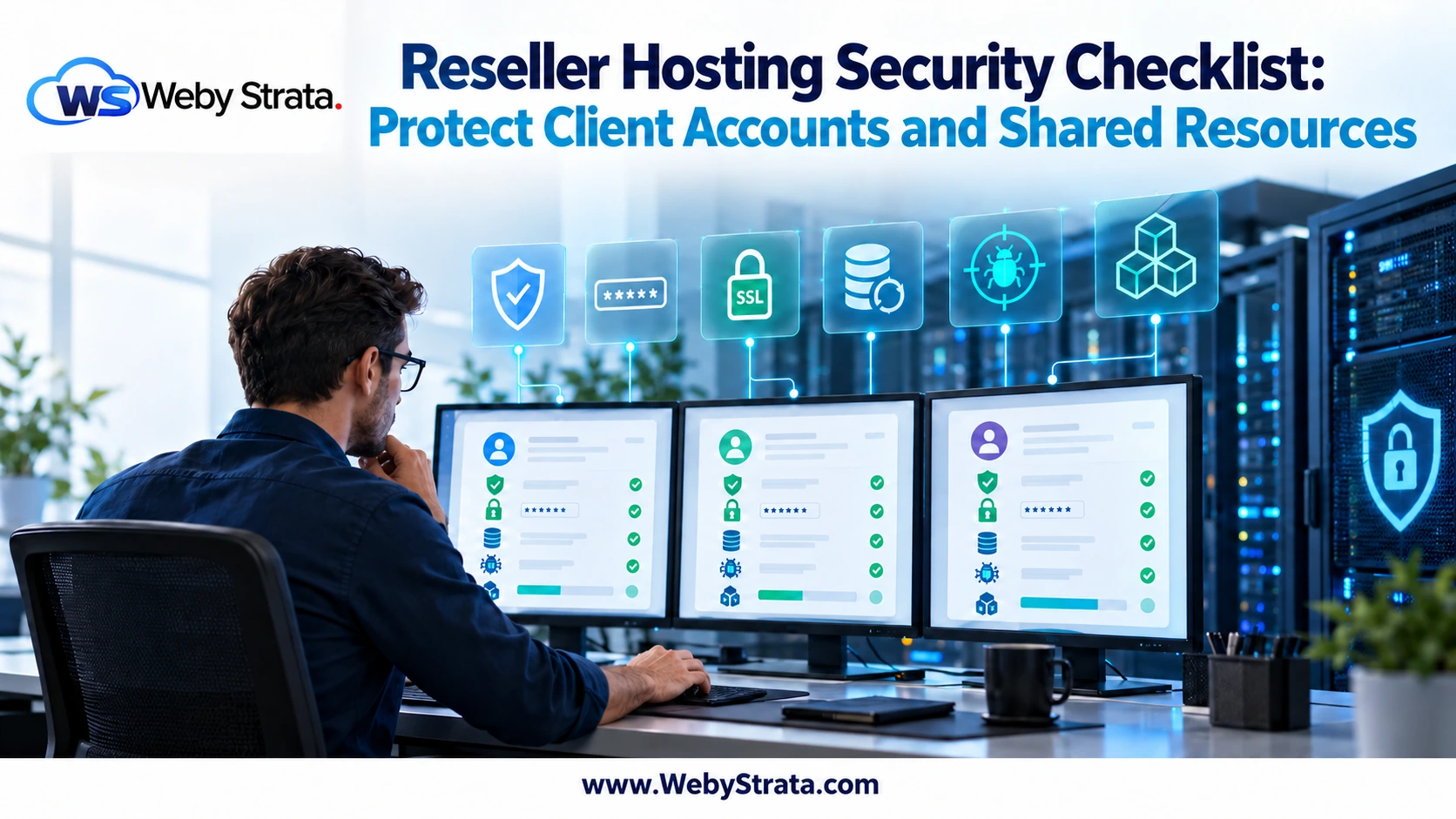
Reseller hosting lets you create separate hosting accounts for multiple customers, but one reseller account can still contain many websites, mailboxes, databases, and administrative credentials. A security problem in one customer account can create support work, reputation damage, or resource pressure for the wider reseller business.
This reseller hosting security checklist focuses on the controls you can manage at account and customer level. WebyStrata provides the reseller hosting environment and infrastructure support for the direct reseller account. The reseller remains responsible for the websites, credentials, applications, and customers hosted under the reseller account.
Start with a clear security boundary
Security has several layers. Your hosting provider manages the server platform and network infrastructure. You manage reseller-level settings, client accounts, package limits, passwords, access policies, and customer communication. Your customers may also manage their own website applications, plugins, themes, and content.
Write down who can make each type of change. This prevents a customer from receiving your master reseller credentials and makes it easier to escalate infrastructure issues without exposing unrelated accounts.
Use separate customer accounts
Do not place unrelated customer websites into one shared cPanel account simply because it is convenient. Separate accounts make access control, resource monitoring, backups, migration, suspension, and incident response easier.
For every customer account:
- Use a unique cPanel username and strong password.
- Assign the account to a deliberate WHM package.
- Give access only to the features the customer needs.
- Keep the account owner and support email current.
- Record the domain, package, DNS, backup, and renewal details.
Account separation does not replace secure applications, but it limits the impact of a mistake or compromise.
Protect WHM and reseller credentials
Your reseller login can affect every customer account. Treat it as an administrative credential rather than an ordinary website password.
- Enable two-factor authentication where available.
- Use a password manager and never reuse the password elsewhere.
- Do not send credentials through ordinary email or chat.
- Remove former staff and contractors promptly.
- Review administrator access and API credentials regularly.
- Use secure connections when accessing WHM, cPanel, FTP, and billing tools.
Customers should receive only their own account access. They should not receive your reseller username, provider credentials, API keys, or another customer’s backup.
Keep websites and applications updated
Many reseller incidents begin with an outdated CMS, plugin, theme, script, or vulnerable administrator account. Hosting infrastructure cannot compensate for an application that has not been maintained.
Decide whether updates are the customer’s responsibility or part of a paid maintenance service. If you manage updates, define the testing, backup, rollback, and emergency response process before enabling automatic changes.
Control PHP, scripts, and file permissions
Use supported PHP versions and remove versions or extensions that your customers do not need. Review writable directories, upload locations, scheduled tasks, and unused scripts.
Customers should not keep abandoned installers, old backups, temporary archives, or unused plugins inside public web directories. These files increase the attack surface and can consume storage or inode limits.
Secure DNS, SSL, and email
DNS and email are part of the security boundary, not just setup tasks. Check that each domain uses the intended nameservers and that DNS records do not point to an old server or forgotten service.
- Use HTTPS for websites and control-panel access.
- Confirm SSL certificates renew before expiration.
- Publish SPF, DKIM, and DMARC records for domains sending email.
- Limit mailbox access and remove former users.
- Monitor unusual mail volume and investigate spam complaints quickly.
Do not change customer mail records without confirming whether their mail is hosted with you or with an external provider.
Plan backups and restores
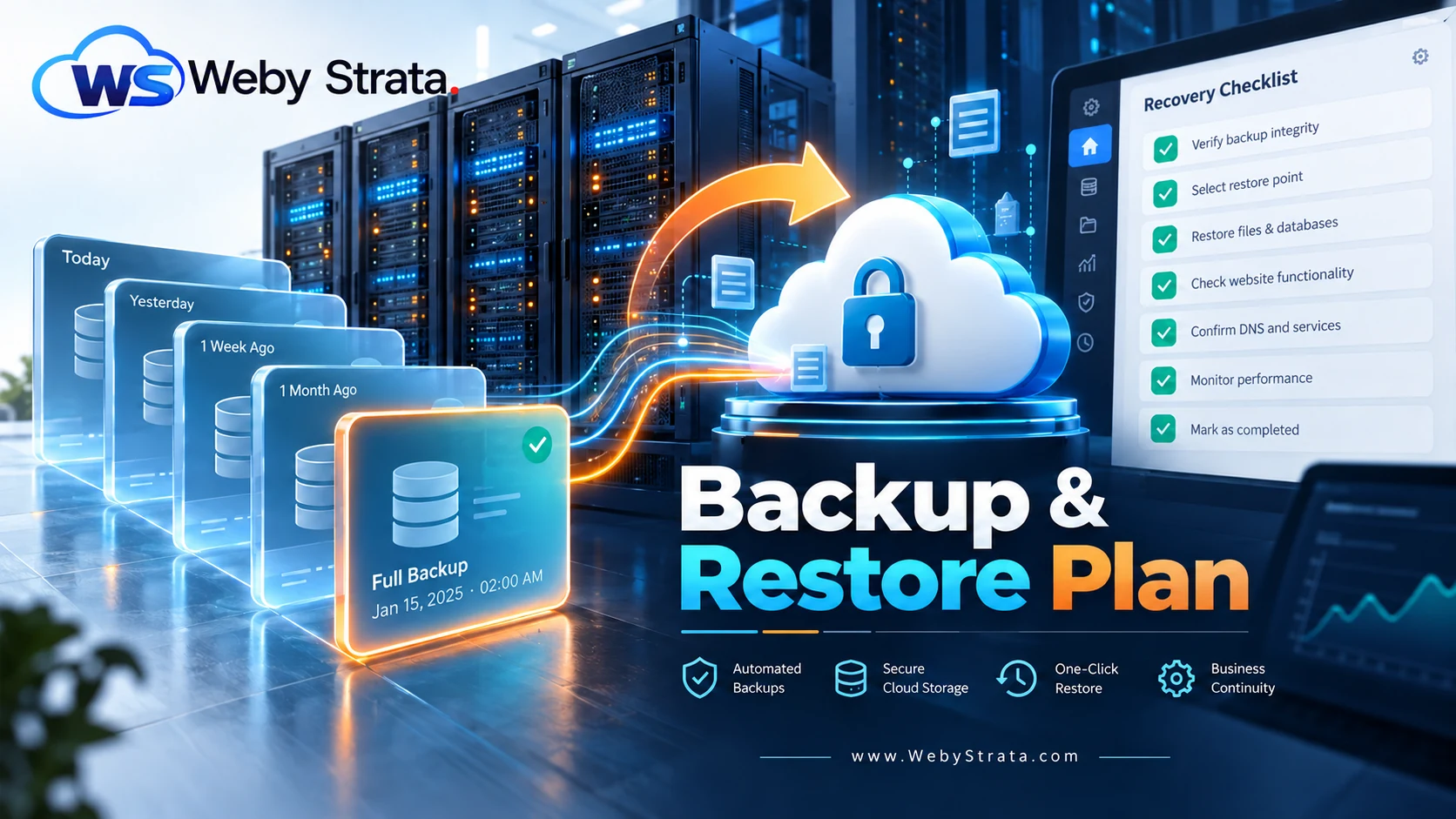
A backup plan should answer four questions: what is copied, how often it is copied, how long it is retained, and how quickly it can be restored. A server-level backup may not be a complete business continuity plan for every website.
Test a restore before promising one. Check that files, databases, configuration files, email, and permissions return in a usable state. Keep a record of restore requests and make the customer responsible for confirming the recovered site.
Monitor resource and security signals
Resource limits can become security signals. An unexpected CPU spike, process count, disk increase, or outbound email surge may indicate a traffic event, plugin failure, compromised account, or abuse.
| Signal | Possible cause | First action |
|---|---|---|
| CPU or process spike | Traffic, cron loop, plugin issue, compromise | Identify the account and recent changes |
| Rapid file growth | Backups, logs, malware, media, archives | Review large and recently modified files |
| Outbound email increase | Compromised form, mailbox, or script | Check mail logs and isolate the affected account |
| Repeated login failures | Brute-force attempts or stolen credentials | Reset credentials and enable stronger access controls |
| Multiple sites affected | Shared resource or infrastructure problem | Escalate to WebyStrata with timestamps and examples |
Prepare an incident response process
When a customer reports a suspicious change, do not make random edits. Record the domain, time, symptoms, affected users, recent changes, and evidence. Decide whether to restrict access, suspend a script, restore a backup, or escalate the infrastructure issue.
- Confirm the affected account and preserve useful evidence.
- Reset compromised credentials and remove unauthorized access.
- Check recent files, users, plugins, themes, cron jobs, and email activity.
- Restore from a known-good backup when appropriate.
- Patch the cause before returning the site to normal operation.
- Explain the incident and prevention steps to the customer.
If the issue affects the hosting platform, server, network, or provider-level controls, escalate it to WebyStrata. Keep your customer updated while the reseller-level investigation continues.
Monthly reseller security review
- Review WHM and billing administrator access.
- Check package limits and unusual resource usage.
- Confirm backups completed and test a restore sample.
- Review SSL renewals and DNS changes.
- Remove old accounts, users, files, and credentials.
- Check application update status for managed sites.
- Review support tickets for repeated security patterns.
Final takeaway
Reseller hosting security is a shared responsibility with a clear operating boundary. WebyStrata provides the reseller hosting environment, while the reseller controls customer accounts, access, applications, backups, policies, and first-line response. Separate accounts, strong credentials, tested backups, resource monitoring, and a documented escalation path make the service safer to operate.
Explore WebyStrata hosting options when building a reseller service with clear security responsibilities.
Frequently asked questions
Who is responsible for a customer’s WordPress security?
The responsibility depends on your service agreement. If you sell managed maintenance, you may manage updates and monitoring. If you sell hosting only, the customer or their developer normally manages the website application.
Does separate cPanel accounts guarantee security?
No. Separate accounts improve isolation and access control, but strong credentials, updates, backups, monitoring, and safe application practices are still required.
When should a reseller contact WebyStrata?
Contact WebyStrata for reseller-account, server, network, platform, or provider-level issues that cannot be solved with your available WHM and cPanel permissions.
Related Articles