Startup
What Is a Digital Signature Certificate for Business Registration?
Understand what a Digital Signature Certificate is, who may need one for business registration, how to prepare it, and how to avoid signing and security problems.
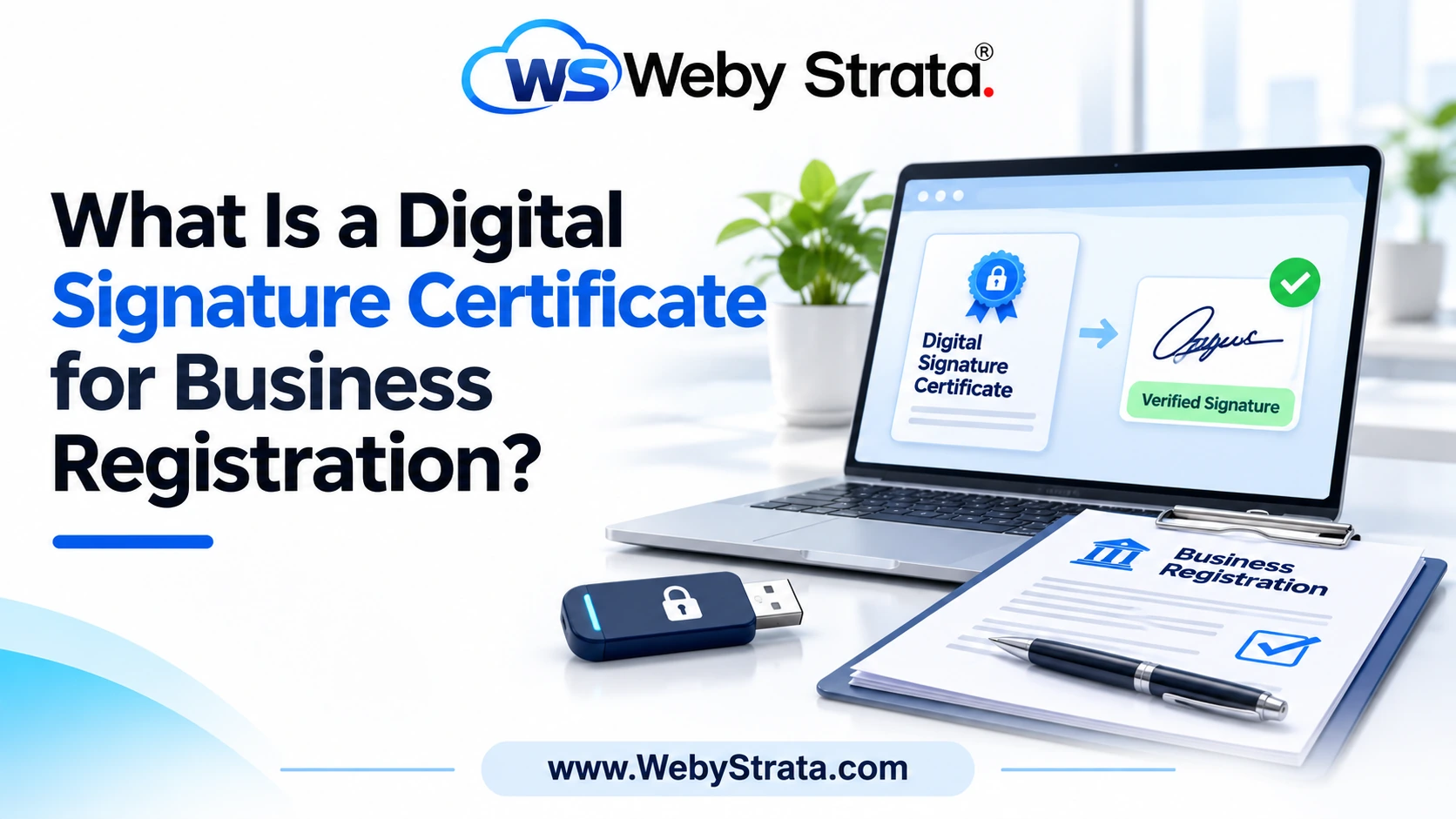
A Digital Signature Certificate, or DSC, is used to authenticate electronic signatures in many business and government filing workflows. Understanding the certificate, the signer, and the security process helps a business avoid preventable submission problems.
DSC readiness table
| Check | What to confirm | Why it matters |
|---|---|---|
| Signer | Correct director, partner, subscriber, or representative | Prevents role and identity mismatch |
| Identity | Name and identification data match the filing profile | Supports certificate association |
| Validity | Certificate has not expired | Avoids failed signing at submission |
| Security | PIN and token remain controlled | Protects the legal signatory’s approval |
Who this guide is for
This guide is for founders, directors, designated partners, authorized representatives, accountants, and company professionals who must sign online incorporation, tax, or compliance forms. It is written for business planning and should be checked against the exact portal and form being used.
Why this matters
An online form can be complete but still fail if the certificate belongs to the wrong person, is expired, is not associated with the filing profile, or cannot communicate with the signing utility. A DSC should therefore be treated as part of the filing control system, not as a last-minute technical accessory.
Step-by-step preparation workflow
Begin with a written fact sheet instead of opening the filing form immediately. Record the proposed structure, owners, directors or partners, business activity, office address, expected launch date, capital plan, and the person responsible for the application. Then collect the supporting records and compare the information across every document. Resolve differences before submission, because correcting a name, address, ownership detail, or role after filing can create extra work and delay other business tasks.
Information to confirm before filing
Confirm the exact spelling of every person’s name, identification details, residential address, communication address, email address, mobile number, and role in the business. Confirm the business activity in plain language and make sure it matches the proposed name, contracts, website description, and future plans. Also document ownership percentages, contribution amounts, signing authority, and any nominee, landlord, or authorized-representative consent that may be needed.
How to organise the records
Use one secure folder for identity records, address evidence, approvals, signed declarations, payment receipts, application acknowledgements, resubmission notes, certificates, and post-registration registrations. Keep a final-submission folder separate from drafts so nobody accidentally uploads an old version. Use clear filenames with the person’s name or document purpose and date, restrict access to people who need it, and maintain a simple register showing what was submitted and when.
What to do after approval
Approval is a milestone, not the end of the setup process. Save the certificate and approved documents, confirm the legal name and identification numbers, open or update the business bank account, set up accounting records, prepare contracts and invoices, and check the registrations that depend on the activity, premises, employees, or turnover. Assign owners for tax, licence, filing, payroll, banking, and document responsibilities before the business becomes busy.
When professional review is worthwhile
A professional review is especially useful when the founders have different nationalities or addresses, the office is shared or rented, the business has regulated activities, the owners are contributing intellectual property or loans, the arrangement includes a nominee, or the documents contain unusual terms. Review is also sensible before signing a long-term lease, accepting investment, hiring staff, or committing to a contract that assumes a particular legal structure.
Review the setup as the business grows
Revisit the structure and records when the business changes its office, adds an owner, hires employees, enters a new state or market, starts importing or exporting, handles sensitive customer data, borrows money, or launches a new regulated service. Keep a short quarterly review on the calendar. The goal is to identify a change early enough to update registrations, contracts, banking, tax records, licences, and internal controls together.
Questions to ask before making the final decision
Before treating the setup as complete, ask whether the chosen structure matches the actual people involved, whether every promised contribution is documented, whether the office can receive official communication, and whether the business can afford the compliance workload. Also ask what would happen if a founder leaves, a client does not pay, the business changes location, or a new service is launched. These questions expose gaps that a simple document checklist may miss.
Keep evidence of the process
Retain the final forms, signed approvals, payment receipts, certificates, correspondence, clarification responses, and the date each change took effect. A clear record helps the business answer future questions from banks, customers, accountants, regulators, investors, or internal staff. It also makes later amendments easier because the business can identify the original information instead of rebuilding the history from scattered messages.
What a DSC does
A DSC connects an electronic signature to a verified signer. In a filing workflow, it helps the receiving portal identify who approved or submitted the form. The certificate does not replace the underlying legal responsibility; the signer should still review the form, attachments, declarations, and information before signing.
Who may need one
The required signers depend on the form, entity type, director or partner role, authorized representative, and portal. Identify the signers at the beginning of the project. If a director or partner is replaced, do not continue using the old signer record simply because the form has already been started.
Obtain and associate the certificate
Use an authorized provider and follow the current identity-verification process. After issuance, associate the certificate with the required portal profile or role. Record the certificate holder, expiry date, device location, and responsible administrator without exposing the PIN or private credentials.
Check matching information
The name and identity information connected with the certificate should match the application and profile. Differences in initials, spelling, identification numbers, or role can cause association errors. Use the same verified data sheet for the certificate request, portal profile, and company filing.
Protect the signing access
Treat the token, PIN, password, and signing device as sensitive business controls. Do not send them in email or allow an unapproved person to sign. Maintain a backup process for the business without sharing the actual signing credentials.
Troubleshoot before the deadline
Test the device, browser, driver, signing utility, portal login, and certificate status before the final day. If a form is rejected, save the error message, check whether the certificate is selected correctly, and confirm that the portal recognizes the signer before repeating the submission.
Practical example
A company has two directors but only one is expected to sign a particular incorporation form. The founders should confirm the correct signer, make sure the DSC is valid and associated with the right profile, test the signing utility, and ask the signer to review the complete form. This is safer than passing the token between team members when the deadline is close.
Practical checklist
- Identify every required signer
- Obtain the appropriate certificate from an authorized provider
- Match signer information across records
- Associate the certificate with the correct portal profile
- Check the expiry date
- Protect the token and PIN
- Test the signing utility before submission
- Keep a secure certificate register
Common mistakes to avoid
- Using an expired certificate
- Associating the wrong person’s DSC
- Sharing the token or PIN
- Waiting until the deadline to test the device
- Signing without reviewing attachments
- Failing to update signer details after a role change
Frequently asked questions
Is a DSC required for every business registration?
No. Requirements depend on the specific form, portal, entity, and signatory role. Check the current instructions for the filing.
Can one DSC be used by several people?
A certificate is associated with a particular signer and should not be shared between different people.
What if the certificate expires during a filing?
Renew or replace it as applicable, then confirm the new certificate is correctly associated before submitting again.
Final thoughts
The right process depends on the business structure, location, ownership, activity, and current rules. Use this guide as a planning resource, keep records carefully, and obtain professional advice before filing an important legal, tax, or compliance document.
Related Articles