eCommerce Hosting
Popular Website Builders for Dropshipping Businesses: Hosting, Control and Growth
Compare popular website builders for dropshipping businesses by hosting model, control, integrations, performance, cost, and growth potential.
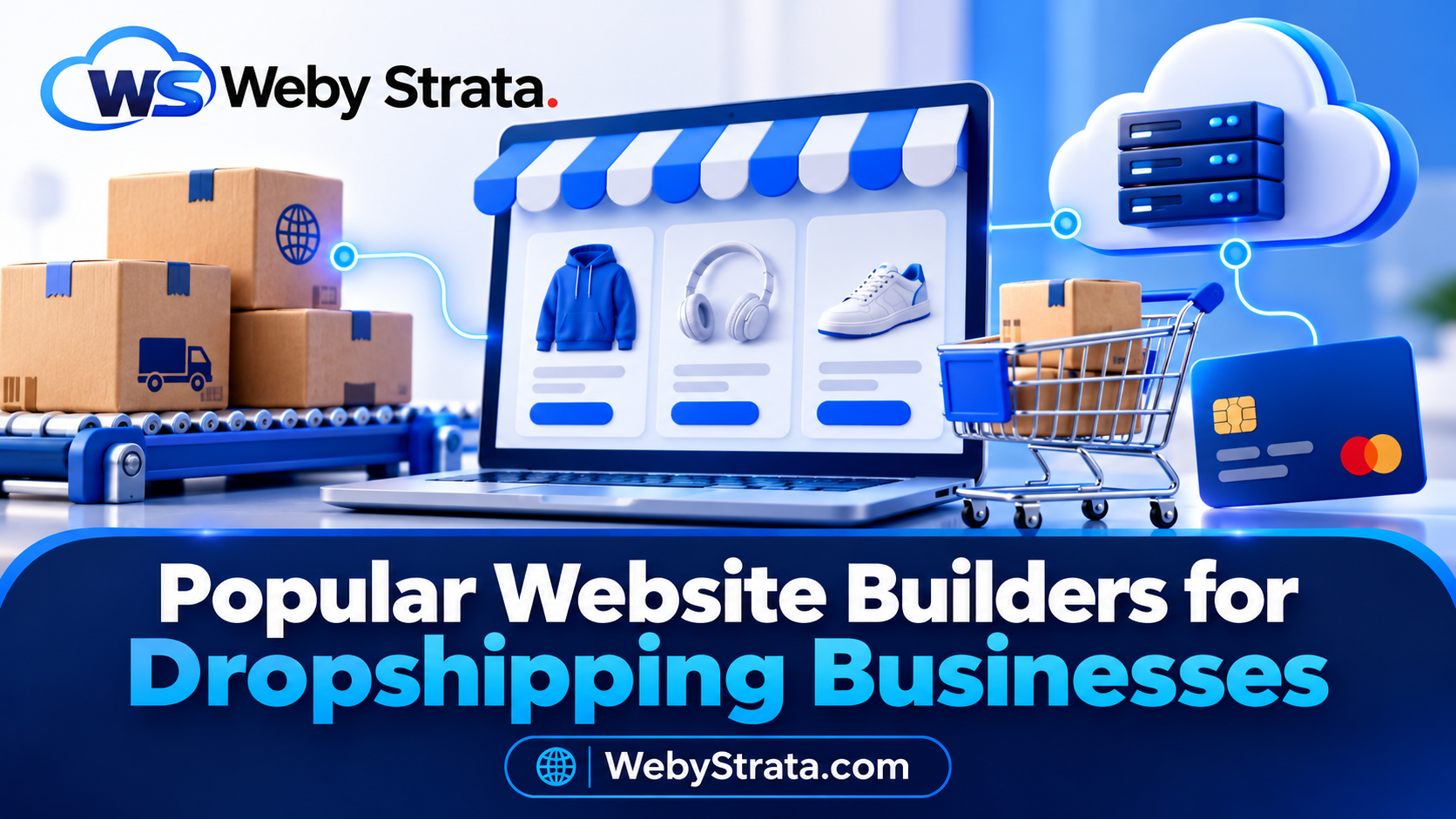
The most popular website builders for dropshipping businesses do more than provide a good-looking template. A useful platform must display products clearly, connect to suppliers, accept payments, calculate shipping, send reliable order updates, and remain fast when a campaign brings in new visitors.
The best website builder depends on how much control you want, how quickly you need to launch, which suppliers and payment providers you use, and how much technical work your team can support. A hosted platform may be the easiest route for a first store. A self-hosted platform may be better when you need control over content, data, integrations, and infrastructure.
This guide compares popular options from a dropshipping and hosting perspective.
Quick comparison
| Website builder | Hosting model | Best for | Watch out for |
|---|---|---|---|
| Shopify | Hosted commerce platform | Fast launch and managed infrastructure | App, plan, and platform dependency |
| WooCommerce | Self-hosted WordPress plugin | Ownership and custom workflows | You manage hosting, updates, and performance |
| Ecwid | Hosted store or embedded storefront | Adding ecommerce to an existing site | Advanced features depend on integrations and plan |
| BigCommerce | Hosted commerce platform | Growing catalogues and multichannel selling | Review plan limits, integrations, and total cost |
| Wix eCommerce | Hosted website builder | Small brands that want visual design control | Complex dropshipping workflows may need extra apps |
Treat the table as a starting point. Supplier compatibility, payment availability, shipping rules, and local tax requirements should be verified before you choose a platform.
What should a dropshipping website builder provide?
The platform should help you manage five connected parts of the business:
- Storefront: responsive pages, navigation, search, product options, and checkout.
- Catalogue: products, variants, prices, stock, images, and descriptions.
- Operations: supplier imports, order routing, fulfilment updates, and refunds.
- Growth: analytics, SEO controls, email, discounts, and marketing integrations.
- Infrastructure: hosting, SSL, backups, speed, security, and a path to scale.
The last category is often overlooked. A platform can provide excellent design tools but still be a poor fit if it cannot support the order volume, integrations, or response times your store needs.
1. Shopify: a managed route to launch
Shopify is a hosted commerce platform. Hosting is included with the plan, so you do not need to provision a separate server for the store. Shopify provides themes, product management, checkout, app integrations, and a central dashboard for running the business.
Strengths
- Quick setup for founders without server experience.
- Managed hosting and platform maintenance.
- Large ecosystem of themes and commerce apps.
- Built-in tools for products, orders, discounts, and customer management.
- Hosting, SSL, and the core commerce environment are handled together.
Limitations
- Your store depends on Shopify’s platform rules and app ecosystem.
- Monthly platform fees and app subscriptions can grow with the business.
- Deep customisation may require platform-specific development.
- Moving later to another platform requires a careful export and migration plan.
Shopify is a strong choice when speed and operational simplicity are more important than control over the underlying server.
2. WooCommerce: flexibility and ownership
WooCommerce runs on WordPress. Unlike Shopify, a self-hosted WooCommerce store normally needs a separate hosting provider. That adds responsibility, but it also gives you control over the website, database, theme, content, extensions, and server environment.
Strengths
- Strong ownership of website content and store data.
- Extensive WordPress and WooCommerce extension ecosystem.
- Flexible checkout, catalogue, content, and supplier workflows.
- Useful for businesses that want a blog, SEO content, and ecommerce together.
- Choice of shared, managed WordPress, VPS, or dedicated infrastructure.
Limitations
- Hosting, WordPress, plugins, backups, updates, and security need attention.
- Poorly configured caching can break cart and checkout behaviour.
- Plugin conflicts can affect performance or order processing.
- A growing catalogue may require database and server optimisation.
WooCommerce is a good fit when the business wants control and has either technical skills or a reliable hosting and development partner. WooCommerce currently recommends supported WordPress and PHP versions, HTTPS, and a suitable MySQL or MariaDB environment, so check the official requirements before launch.
3. Ecwid: add a store to an existing website
Ecwid can provide a hosted Instant Site or add ecommerce features to an existing website. It is useful when a business already has a content site, landing page, blog, or social audience and wants to introduce products without rebuilding its entire online presence.
Strengths
- Store functionality can be added to an existing website.
- Hosted Instant Site option for a faster start.
- Product, order, customer, payment, and shipping management in one dashboard.
- Suitable for smaller catalogues and content-led brands.
- Can support multiple sales channels depending on the plan and integrations.
Limitations
- Advanced customisation may depend on the plan and available apps.
- A self-hosted WordPress website still needs its own hosting.
- Complex supplier or catalogue requirements may eventually need a more custom platform.
Choose Ecwid when the store is an extension of an existing web presence, rather than a large custom commerce operation from day one.
4. BigCommerce: a hosted platform for growth
BigCommerce is a hosted commerce platform aimed at businesses that need a broad feature set, catalogue management, integrations, and multichannel selling. It can suit a growing business that wants managed infrastructure while still requiring more commerce capabilities than a simple starter site.
Before choosing it, compare the plan structure, payment options, product limits, API requirements, marketplace integrations, and total cost. A platform can be technically capable but still be unsuitable if its pricing or integrations do not match your margins.
BigCommerce is worth evaluating when the store expects a large catalogue, multiple channels, or a team that needs structured commerce operations without managing its own server.
5. Wix eCommerce: visual control for smaller brands
Wix can suit a small brand that prioritises visual design and a straightforward website-building experience. It may work well for a focused catalogue, a content-led brand, or an early store that does not require complex supplier automation.
Before committing, confirm that the required dropshipping integrations, shipping rules, payment methods, inventory workflows, and reporting tools are available in your target market.
Wix is most appropriate when brand presentation and ease of editing are the main priorities. A store with complex catalogue logic or custom fulfilment automation should compare it with WooCommerce and dedicated hosted commerce platforms.
Hosted versus self-hosted: the decision that matters most
The biggest difference between these platforms is not the template library. It is who manages the infrastructure.
Hosted platforms
Shopify, BigCommerce, and many Wix or Ecwid deployments include managed hosting. You usually spend less time on servers, operating-system updates, database tuning, and backups. The trade-off is dependence on the platform’s rules, plan limits, APIs, apps, and migration tools.
Self-hosted platforms
WooCommerce gives you more direct control. You select the host and can change the server, code, database, and integrations. The trade-off is that performance, security, backups, updates, and recovery are now part of your operating process.
Neither model is automatically better. The right choice depends on whether your business values convenience or control at its current stage.
How to choose the right builder
Score each platform against these questions before signing up:
1. Does it support your suppliers?
Confirm that your chosen suppliers can send products, prices, stock, orders, and fulfilment updates through a reliable integration. Do not assume that an app listing guarantees compatibility with your region or product category.
2. Does it support your payments?
Check payment gateways, settlement currency, refunds, recurring payments if relevant, and any additional transaction fees. Complete a test transaction before committing to a public launch.
3. Can it handle your catalogue?
Review product, variation, image, collection, and inventory limits. A platform that works for 20 products may become difficult to operate with 2,000 variants and frequent supplier imports.
4. Can you export your data?
Find out how to export products, orders, customers, content, redirects, and media. Data portability matters if your business later moves to another platform.
5. What is the complete cost?
Calculate platform fees, hosting, apps, themes, payment costs, email, domains, development, backups, and support. Use the cost of operating the store—not only the advertised entry price.
6. Does it have a scaling path?
Ask what happens when traffic, products, orders, and integrations grow. On WooCommerce, this may mean moving from shared hosting to a VPS. On a hosted platform, it may mean a higher plan, new app limits, or a different API tier.
Hosting advice for a WebyStrata dropshipping store
For an early WooCommerce store, start with a hosting plan that supports current PHP, HTTPS, databases, backups, and reliable WordPress installation. Optimise product images, keep plugins under control, and exclude cart and checkout pages from unsafe caching.
Consider a VPS when you need predictable resources, larger catalogues, custom scheduled jobs, frequent supplier synchronisation, or more control over the server. Plan the migration with a staging copy, a fresh backup, DNS preparation, payment testing, and a rollback window.
WebyStrata offers cPanel hosting, WordPress hosting, VPS servers, and website migration services for stores that need a practical path from launch to growth.
Continue reading
- Dropshipping Hosting Guide: Shopify vs WooCommerce vs Ecwid
- WooCommerce Dropshipping Hosting Checklist
- Dropshipping Store Launch Checklist
A simple recommendation matrix
| Your situation | Start by evaluating |
|---|---|
| You need to launch quickly with minimal technical work | Shopify |
| You want control over content, data, and code | WooCommerce |
| You already have a website and want to add a store | Ecwid |
| You expect a larger catalogue and multiple sales channels | BigCommerce or WooCommerce |
| Visual editing matters more than complex automation | Wix or Ecwid |
| You need a custom supplier workflow | WooCommerce with managed hosting or development support |
Final checklist before launch
- ☐ Supplier integration has been tested.
- ☐ Product information is original and accurate.
- ☐ Payment success and failure flows work.
- ☐ Shipping costs and delivery times are visible.
- ☐ HTTPS is active.
- ☐ Order emails are authenticated and delivered.
- ☐ A full backup exists.
- ☐ Cart, checkout, and account pages behave correctly.
- ☐ The store works on a mobile connection.
- ☐ Analytics and purchase events are verified.
- ☐ A refund, support, and supplier escalation process exists.
Conclusion
The most popular website builder is not necessarily the best builder for your dropshipping business. Choose the platform that matches your supplier workflow, customer experience, technical capacity, and growth plan.
Shopify is a convenient hosted starting point. WooCommerce gives the most control when it is hosted and maintained properly. Ecwid works well when ecommerce needs to be added to an existing website. BigCommerce and Wix can be strong candidates for specific catalogue, design, and growth requirements.
Whichever platform you select, test the entire order journey before launch. A store earns trust when product pages load, payments succeed, supplier updates arrive, and customers know what will happen next.
Frequently asked questions
What is the best website builder for a dropshipping business?
There is no universal winner. Shopify is convenient for a managed launch, WooCommerce is flexible for ownership and customisation, and Ecwid is useful when adding a store to an existing site.
Do dropshipping website builders include hosting?
Some do. Shopify and BigCommerce include hosted infrastructure. WooCommerce normally requires separate WordPress hosting. Ecwid can provide a hosted Instant Site or be embedded into a separately hosted website.
Is WooCommerce good for dropshipping?
Yes, provided the hosting environment, supplier integration, payment gateway, backups, updates, and security are managed properly. Its flexibility is valuable for custom workflows.
Should a dropshipping store use shared hosting or a VPS?
Shared hosting can suit a small store with light traffic. A VPS becomes more useful when the store needs predictable resources, heavier synchronisation, custom configuration, or stronger isolation.
Editorial verification links
Related Articles