WooCommerce Store
WooCommerce Dropshipping Hosting Checklist: SSL, Caching, Backups and Order Sync
Use this WooCommerce dropshipping hosting checklist to verify server requirements, SSL, caching, backups, security, supplier sync, email, and launch readiness.
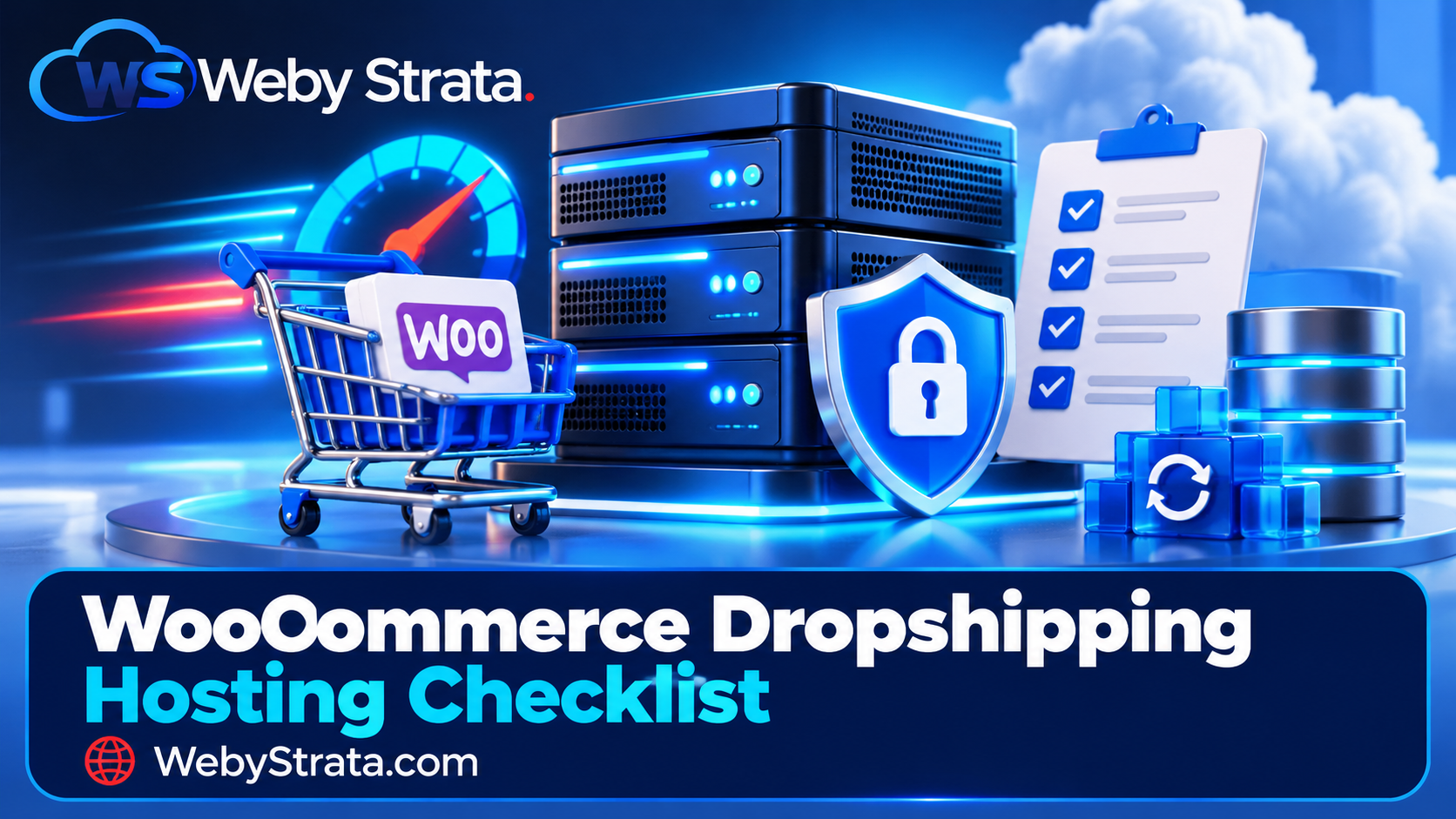
WooCommerce gives a dropshipping business control over its store, content, data, and integrations. That flexibility also means WooCommerce dropshipping hosting matters. A store can have a good theme and a strong product idea but still lose sales because the server is underpowered, checkout pages are cached incorrectly, or supplier synchronisation fails in the background.
Use this checklist before launch, after a migration, and whenever the store begins to receive more traffic or process more orders.
1. Confirm the server foundation
Start with the requirements of the current WooCommerce and WordPress versions you plan to run. WooCommerce’s current recommendations include supported WordPress, PHP 8.3 or later, MySQL 8.0 or MariaDB 10.6 or later, HTTPS, and a WordPress memory limit of at least 256 MB. Requirements change, so check the official documentation before provisioning a new server.
Server checklist
- ☐ WordPress is supported and up to date.
- ☐ WooCommerce is supported and up to date.
- ☐ PHP is a supported, maintained version.
- ☐ MySQL or MariaDB meets the current recommendation.
- ☐ HTTPS is active across the entire site.
- ☐ The PHP memory limit is sufficient for the store and its extensions.
- ☐ The server supports the PHP extensions required by WooCommerce and payment gateways.
- ☐ The host provides a way to change PHP settings when an integration needs it.
- ☐ The store has enough storage for product images, backups, logs, and staging copies.
Do not treat “unlimited storage” as a performance specification. Ask about CPU, memory, input/output limits, database performance, inode limits, and the provider’s process for handling traffic spikes.
WebyStrata’s WordPress hosting and cPanel hosting pages provide a starting point for checking supported software, SSL, backups, and migration options.
2. Secure the domain and checkout
Every page that handles customer information should use HTTPS. A valid SSL certificate protects data in transit and prevents browsers from showing security warnings. It also supports customer trust during checkout.
Security checklist
- ☐ The domain resolves to the correct server.
- ☐ The certificate covers the main domain and required subdomains.
- ☐ HTTP redirects to HTTPS.
- ☐ WordPress Address and Site Address both use HTTPS.
- ☐ Mixed-content warnings are fixed.
- ☐ The payment gateway uses its current secure integration.
- ☐ Administrator accounts use strong, unique passwords.
- ☐ Two-factor authentication is enabled where available.
- ☐ Unused themes, plugins, users, and API keys are removed.
- ☐ File permissions are reviewed after migration.
- ☐ Malware scanning and firewall controls are active.
Do not rely on SSL alone. WordPress, WooCommerce, plugins, payment extensions, and server software all need timely updates. Keep a staging copy so updates can be tested before they reach the live checkout.
3. Configure caching without breaking the store
Caching can reduce load times, but ecommerce pages cannot all be treated as public static pages. Product pages may be cacheable, while cart, checkout, account, and order-confirmation pages usually need special exclusions.
Caching checklist
- ☐ Static assets such as images, CSS, and JavaScript are optimised.
- ☐ Product and category pages are tested after page caching is enabled.
- ☐ Cart, checkout, account, and order-confirmation pages are excluded where required.
- ☐ Logged-in users do not receive another customer’s cached content.
- ☐ Cart fragments or equivalent dynamic requests work correctly.
- ☐ Object caching is enabled only when compatible with the store.
- ☐ Cache purging works after product, price, stock, and theme changes.
- ☐ A CDN is configured for suitable static content.
- ☐ Cache behaviour is tested on mobile and desktop.
Test with an actual product, a test customer account, a coupon, and a completed order. A faster homepage is not useful if the cart loses products or the checkout displays stale prices.
4. Protect files, databases, and order data
A dropshipping store still has valuable data even when it does not hold inventory. Orders, customer details, supplier credentials, product data, API keys, email settings, and payment configuration all need a recovery plan.
Backup checklist
- ☐ Files and databases are backed up separately.
- ☐ Backups run automatically on a defined schedule.
- ☐ At least one backup copy is stored outside the live account.
- ☐ Backup retention is long enough to recover from a delayed problem.
- ☐ Restoration has been tested on staging.
- ☐ The recovery process includes DNS, email, payment settings, and API credentials.
- ☐ Backup jobs are monitored for failures.
- ☐ The team knows who can approve a restoration.
Before major plugin updates, theme changes, migrations, or bulk imports, create a fresh backup and record the time. A backup that has never been restored is only an assumption.
5. Validate supplier and order synchronisation
Dropshipping stores often rely on scheduled jobs or webhooks to import products, update stock, send orders, and receive fulfilment information. These processes may fail silently if cron jobs are disabled, API credentials expire, or a security rule blocks requests.
Integration checklist
- ☐ Supplier credentials are stored securely.
- ☐ API keys have the minimum permissions required.
- ☐ Product imports preserve SKU, price, stock, shipping, and image data.
- ☐ Stock updates run at the intended frequency.
- ☐ Orders reach the supplier without manual copy and paste.
- ☐ Supplier failures create a visible alert.
- ☐ Webhooks are verified and protected.
- ☐ Scheduled tasks run reliably.
- ☐ Time zones and currency settings are correct.
- ☐ Duplicate orders are prevented when a job retries.
- ☐ A test order completes from checkout to supplier notification.
If the store uses WordPress cron, confirm that scheduled tasks run when traffic is low. For stores with important or frequent synchronisation, a reliable server-side scheduler may be preferable. Ask the host or developer how background jobs are monitored.
6. Make the database and product catalogue manageable
Dropshipping stores can accumulate a large number of variations, images, logs, sessions, and abandoned carts. Database size alone is not the only concern; slow queries and unoptimised extensions can affect the customer journey.
Catalogue checklist
- ☐ Product titles and descriptions are original and useful.
- ☐ Product images are compressed and sized for their display area.
- ☐ Variations are used only where they improve the buying experience.
- ☐ Old sessions, logs, and temporary data are cleaned safely.
- ☐ Product, stock, and price imports are tested on a small batch first.
- ☐ Database backups run before bulk updates.
- ☐ Search, filters, and category pages remain responsive as the catalogue grows.
- ☐ Product URLs remain stable when possible.
- ☐ Out-of-stock behaviour is defined.
Do not install a plugin for every small requirement. Each extension adds update, compatibility, security, and performance work. Keep a record of why each plugin exists and what would happen if it were disabled.
7. Set up transactional email
Customers need reliable messages for order confirmation, payment status, shipping updates, refunds, and support. A store can complete orders correctly while still losing trust if emails do not arrive.
Email checklist
- ☐ The sending domain has SPF configured.
- ☐ DKIM signing is active.
- ☐ DMARC is configured with an appropriate policy.
- ☐ The From address uses the store’s domain.
- ☐ Order emails are sent through a reliable SMTP or transactional provider.
- ☐ Sender names and reply-to addresses are correct.
- ☐ Emails are tested with Gmail, Outlook, and a business mailbox.
- ☐ Failed delivery logs are available.
- ☐ Customers can contact support from the email they receive.
Avoid sending important order messages through an unconfigured server mailbox. Authentication records and delivery monitoring should be part of the launch plan, not an emergency fix after customers report missing emails.
8. Prepare staging and safe deployments
Staging is a separate copy where you can test plugin updates, theme changes, import jobs, payment settings, and caching rules. It is especially useful for dropshipping stores because supplier plugins and payment extensions can interact in unexpected ways.
Staging checklist
- ☐ Staging is protected from search indexing.
- ☐ Staging does not send real customer emails.
- ☐ Payment gateways use test mode.
- ☐ Supplier API calls are disabled or pointed at a test account.
- ☐ A copy of the database is available for realistic testing.
- ☐ Deployment steps are documented.
- ☐ The live site is backed up before release.
- ☐ A rollback method is defined.
Use staging before changing PHP versions, updating WooCommerce, replacing a payment gateway, or importing a large catalogue.
9. Know when to move from shared hosting to a VPS
Shared hosting can be a sensible starting point for a small store. A VPS becomes more attractive when you need predictable resources, custom services, larger imports, more background jobs, or more control over the server environment.
Move based on evidence, such as:
- slow database queries;
- failed or delayed supplier synchronisation;
- repeated resource-limit alerts;
- checkout slowdowns during campaigns;
- growing catalogue and order volume;
- custom PHP, queue, or scheduler requirements.
Before migrating, record the current PHP version, database size, cron jobs, DNS records, email settings, file paths, payment configuration, and third-party integrations. WebyStrata offers website migration services and VPS servers for stores that need a more controlled growth path.
Continue reading
Final launch checklist
- ☐ Browse the store on a phone and desktop.
- ☐ Search for products and filter categories.
- ☐ Add, remove, and update cart items.
- ☐ Apply a coupon and verify the discount.
- ☐ Complete a test payment.
- ☐ Confirm the order appears in WooCommerce.
- ☐ Confirm the supplier receives the order once.
- ☐ Confirm customer and admin emails arrive.
- ☐ Test shipping, tax, refund, and cancellation flows.
- ☐ Restore a staging backup.
- ☐ Check analytics and conversion tracking.
- ☐ Review robots, sitemap, canonical URLs, and indexability.
- ☐ Record support contacts and an incident-response owner.
Conclusion
Good WooCommerce dropshipping hosting is not just a fast server. It is a complete operating foundation: supported software, secure checkout, careful caching, tested backups, reliable order synchronisation, authenticated email, and a clear scaling path.
Use this checklist before launch and repeat it after major changes. The goal is simple: make every customer order predictable from the first product view to supplier fulfilment.
Editorial verification links
Related Articles