Category

cPanel

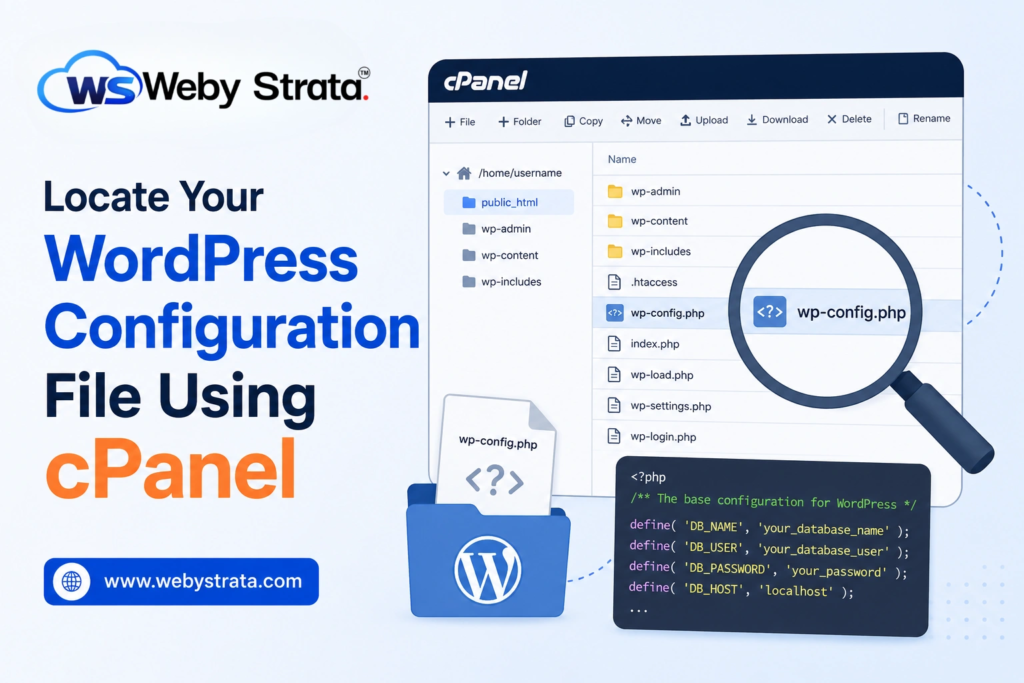
Locate Your WordPress Configuration File Using cPanel

Locate Your WordPress Configuration File Using cPanel

Locate Your WordPress Configuration File Using cPanel The WordPress configuration file, commonly known as wp-config.php, is one of the most important files in any WordPress installation. It contains essential information that allows WordPress to… Read More

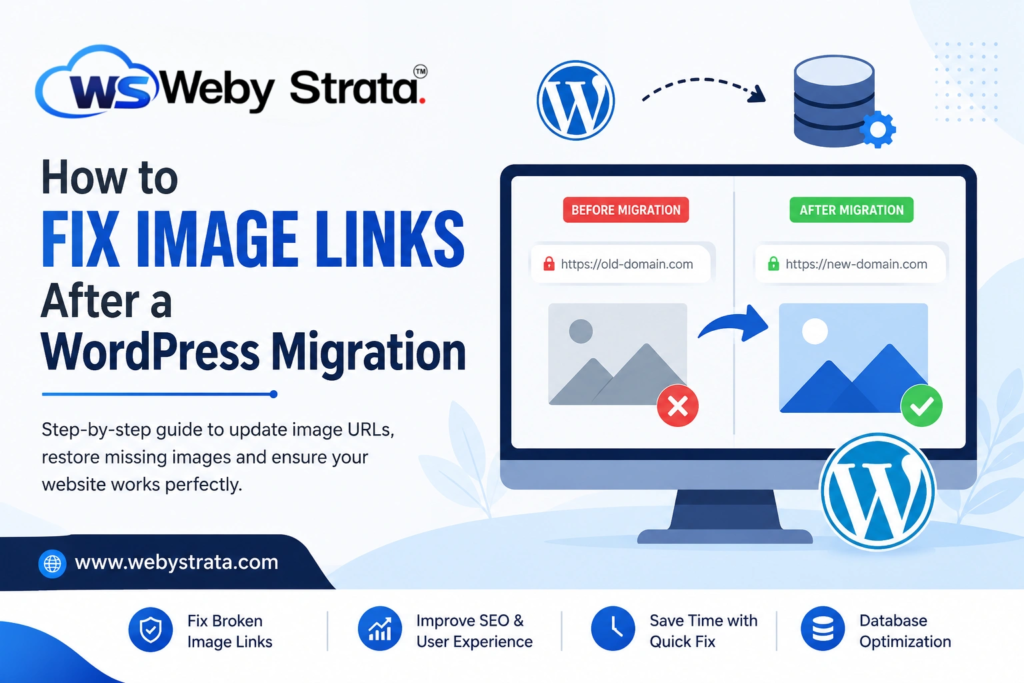
How to Fix Image Links After a WordPress Migration

How to Fix Image Links After a WordPress Migration

How to Fix Image Links After a WordPress Migration Migrating a WordPress website to a new hosting provider, server, or domain name is a common process. While WordPress migrations are usually straightforward, one issue… Read More

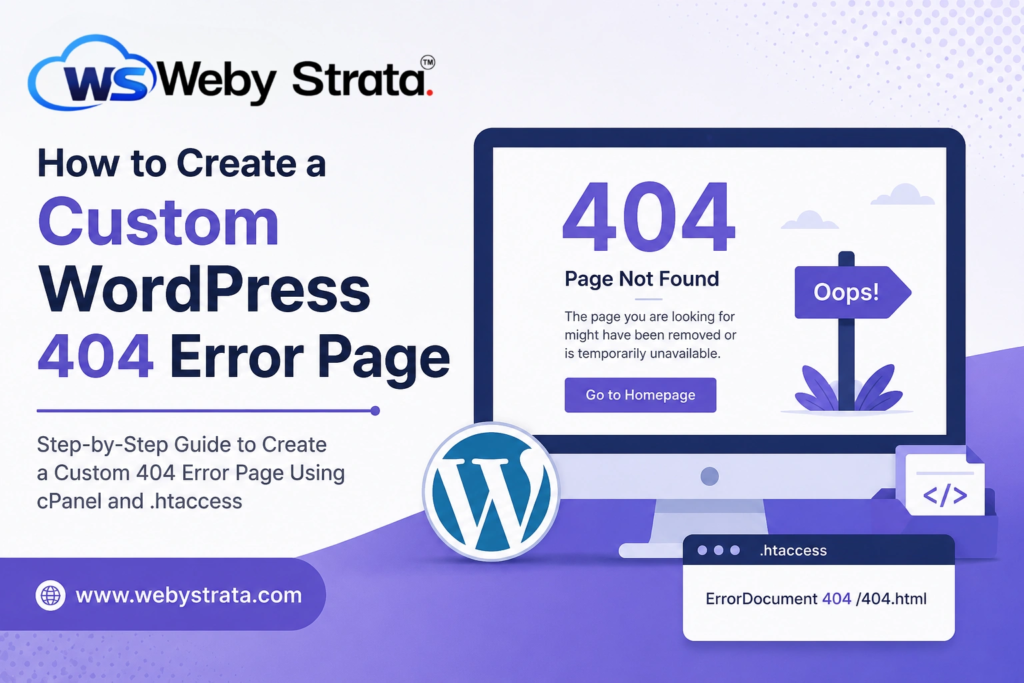
How to Create a Custom WordPress 404 Error Page

How to Create a Custom WordPress 404 Error Page

How to Create a Custom WordPress 404 Error Page Every website visitor expects to find the information they are looking for quickly and easily. However, there are times when a page may no longer… Read More

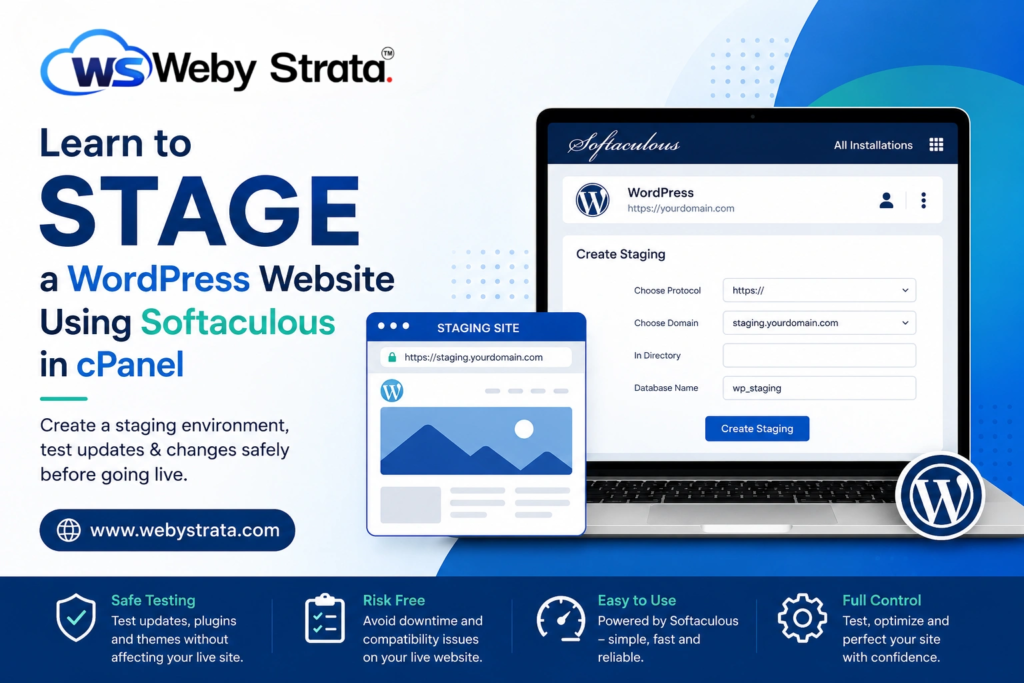
Learn to Stage a WordPress Website via Softaculous in cPanel

Learn to Stage a WordPress Website via Softaculous in cPanel

Learn to Stage a WordPress Website via Softaculous in cPanel Managing a WordPress website involves much more than simply publishing content. Website owners frequently update themes, install new plugins, optimize performance, modify layouts, and… Read More

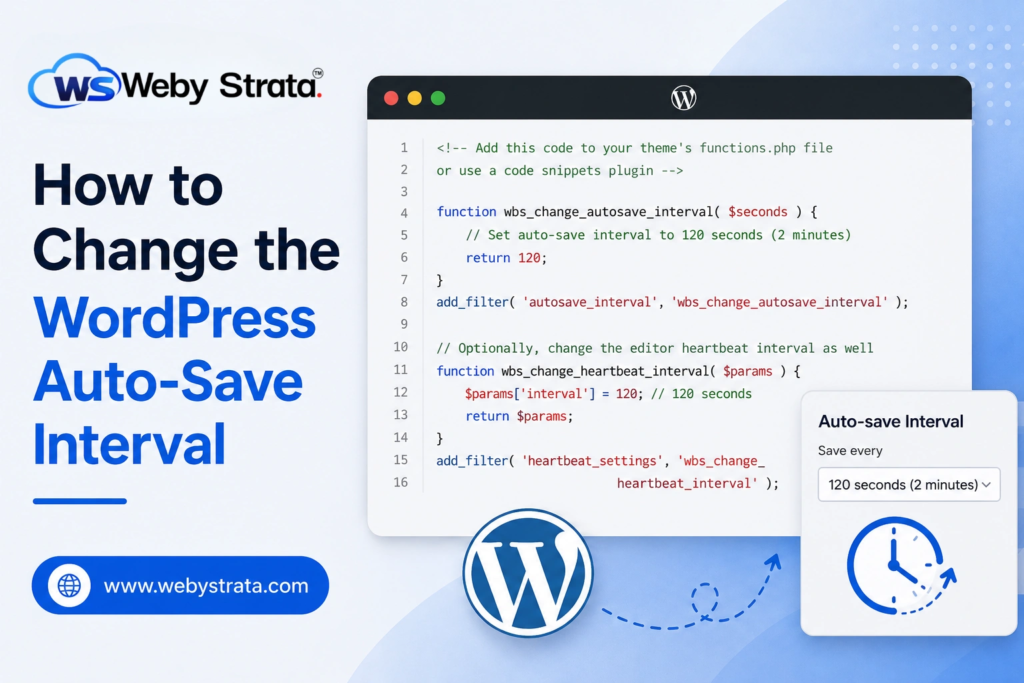
How to Change the WordPress Auto-Save Interval

How to Change the WordPress Auto-Save Interval

How to Change the WordPress Auto-Save Interval WordPress includes an auto-save feature that automatically saves your post drafts while you are writing or editing content. This feature is designed to protect your work from… Read More